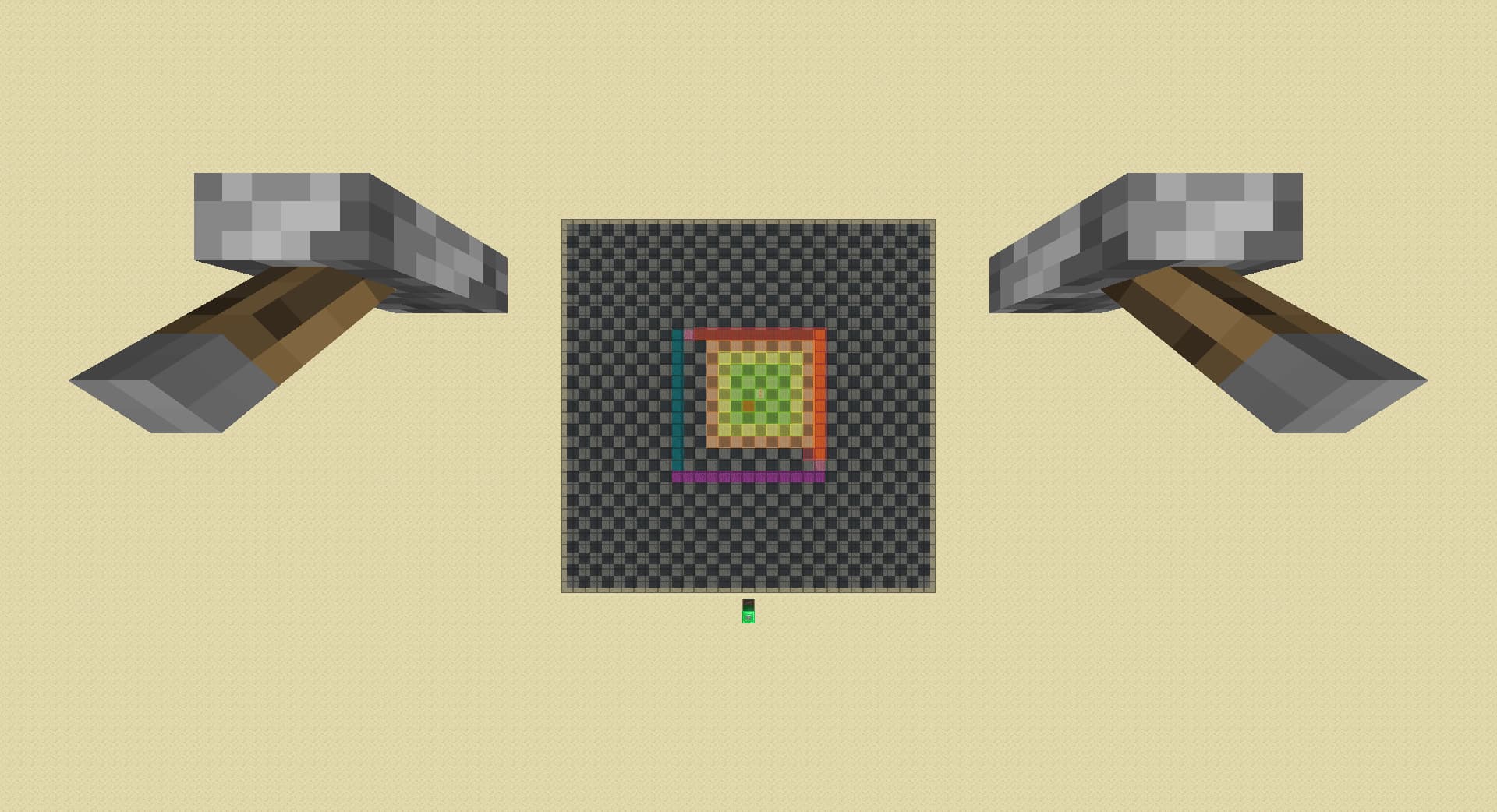
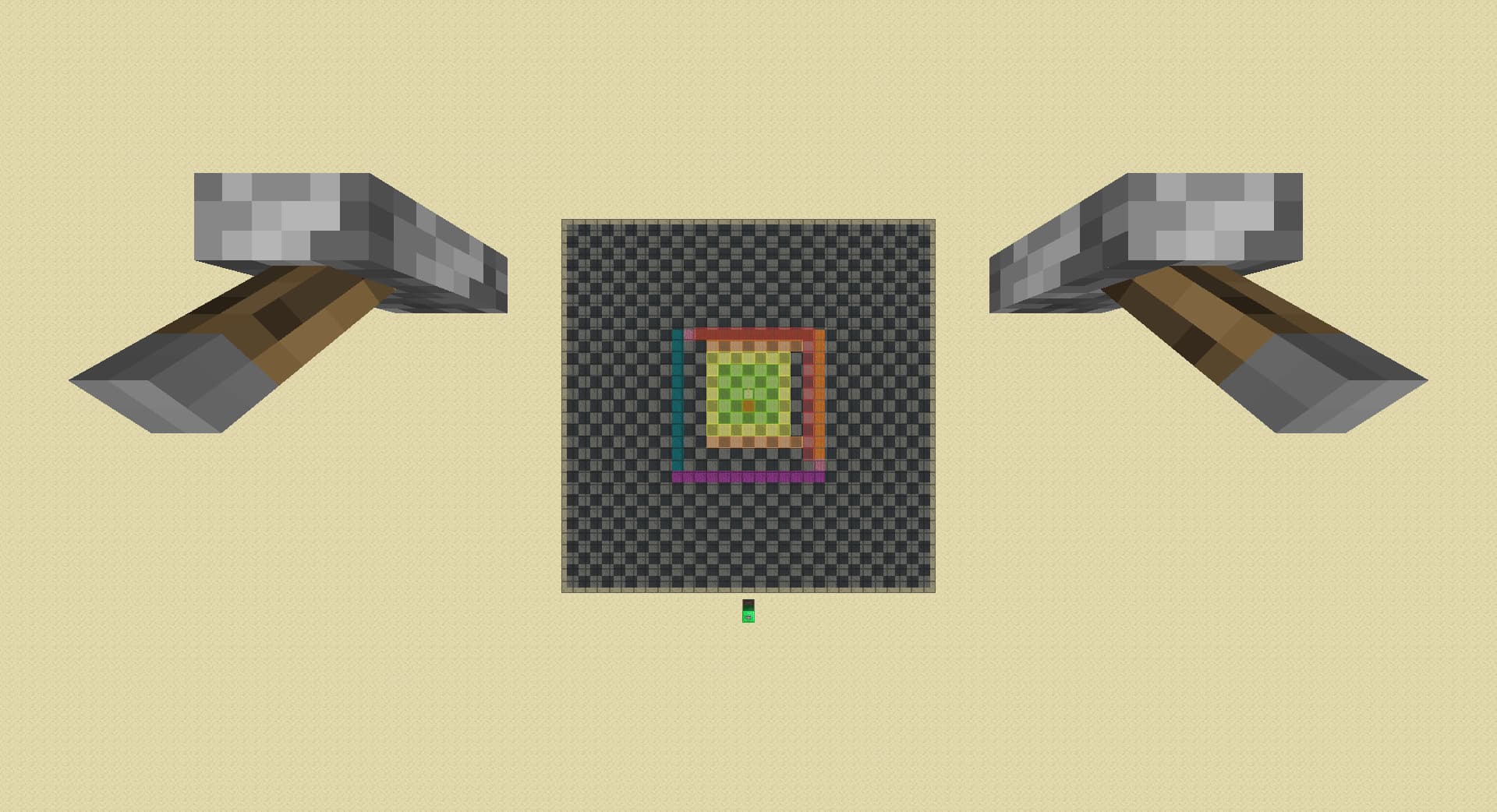
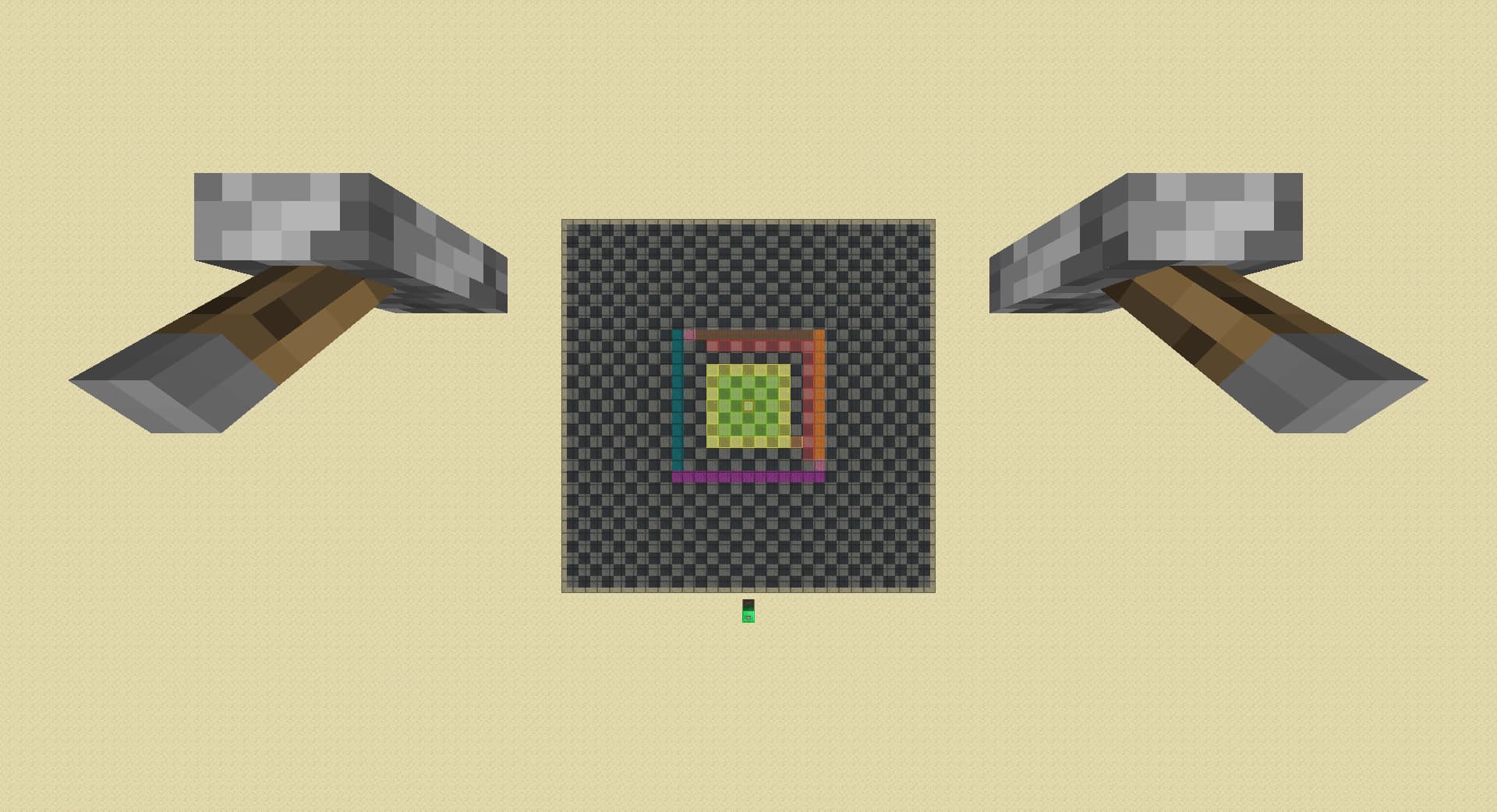
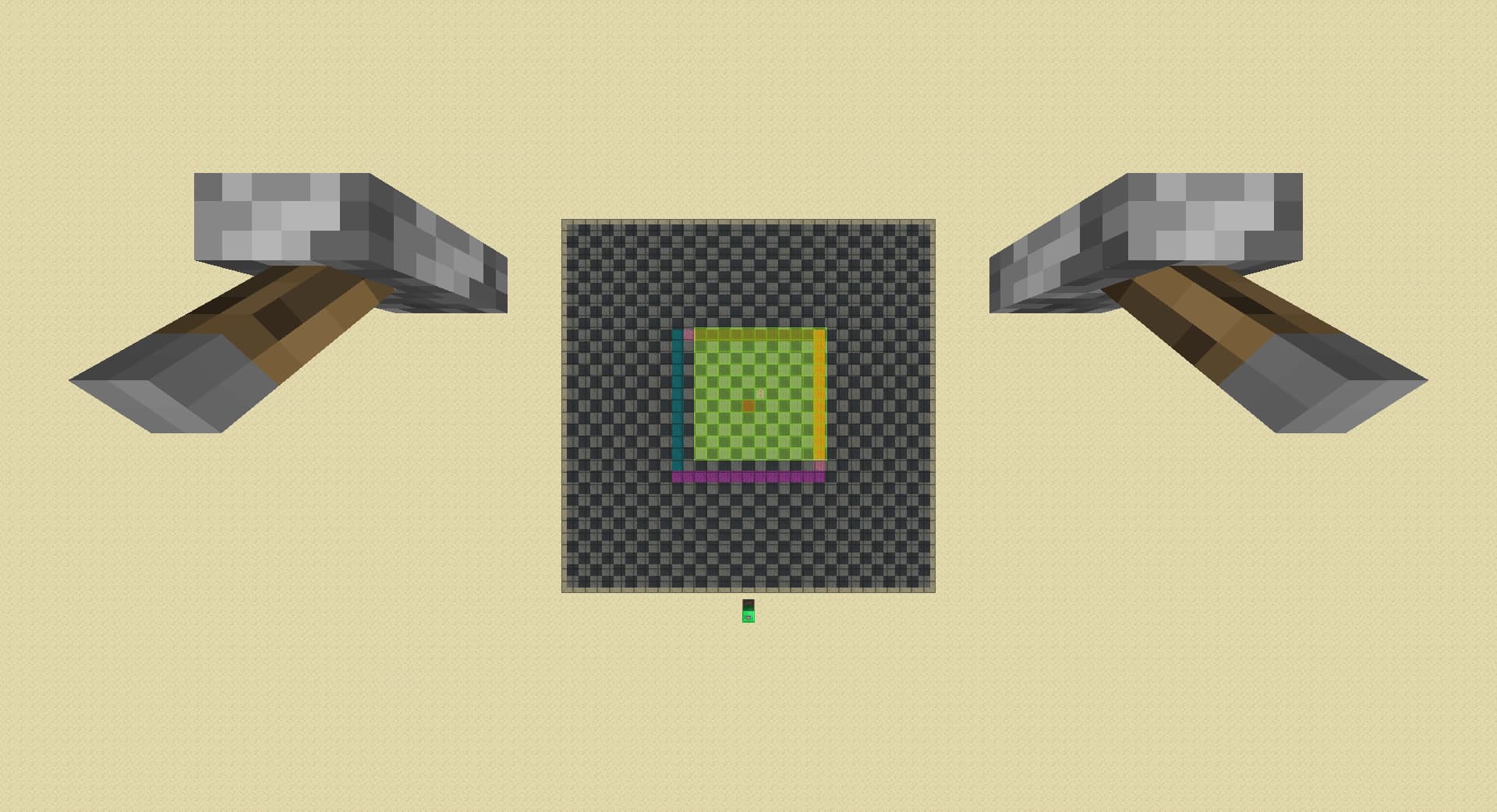
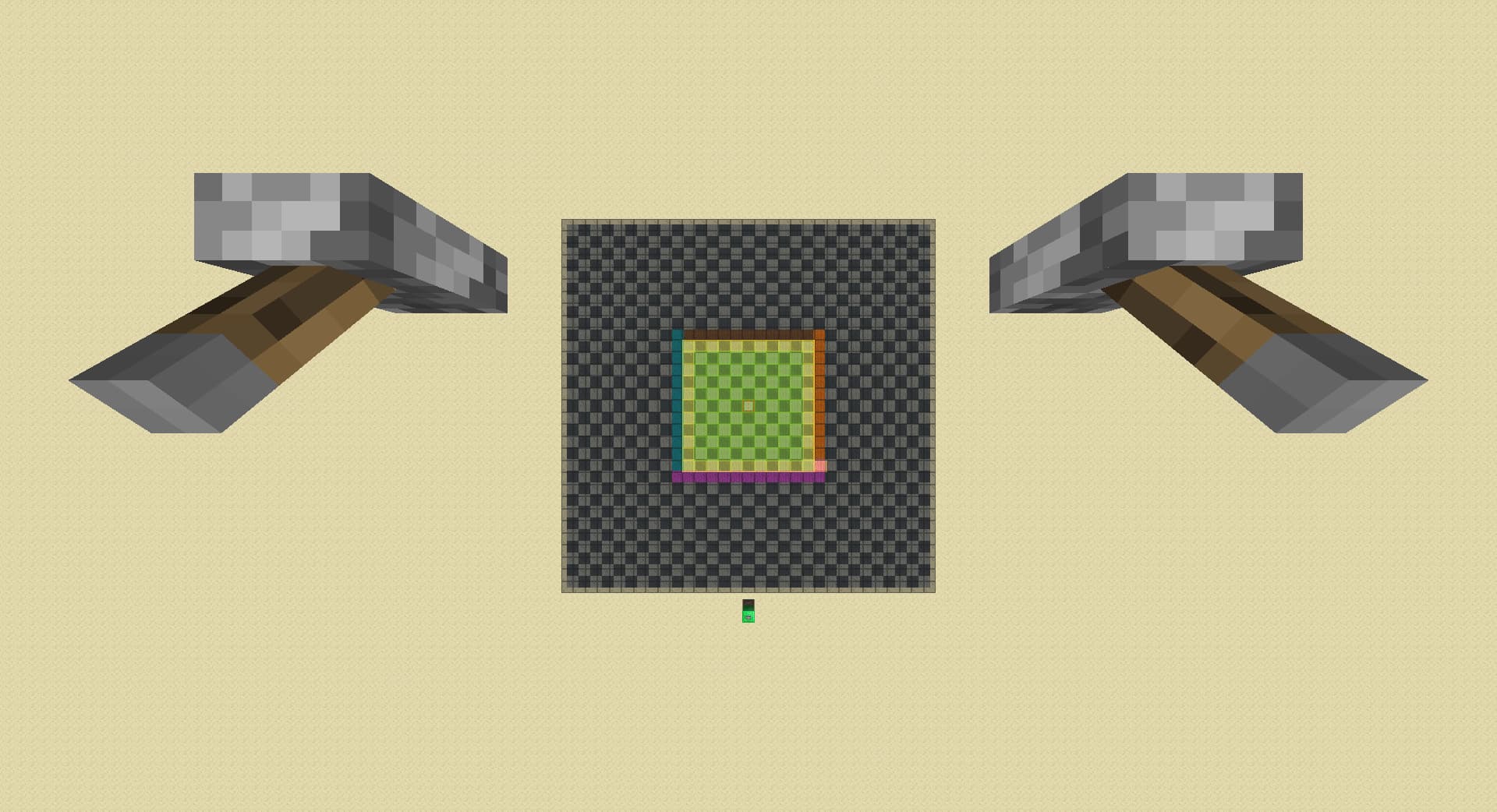
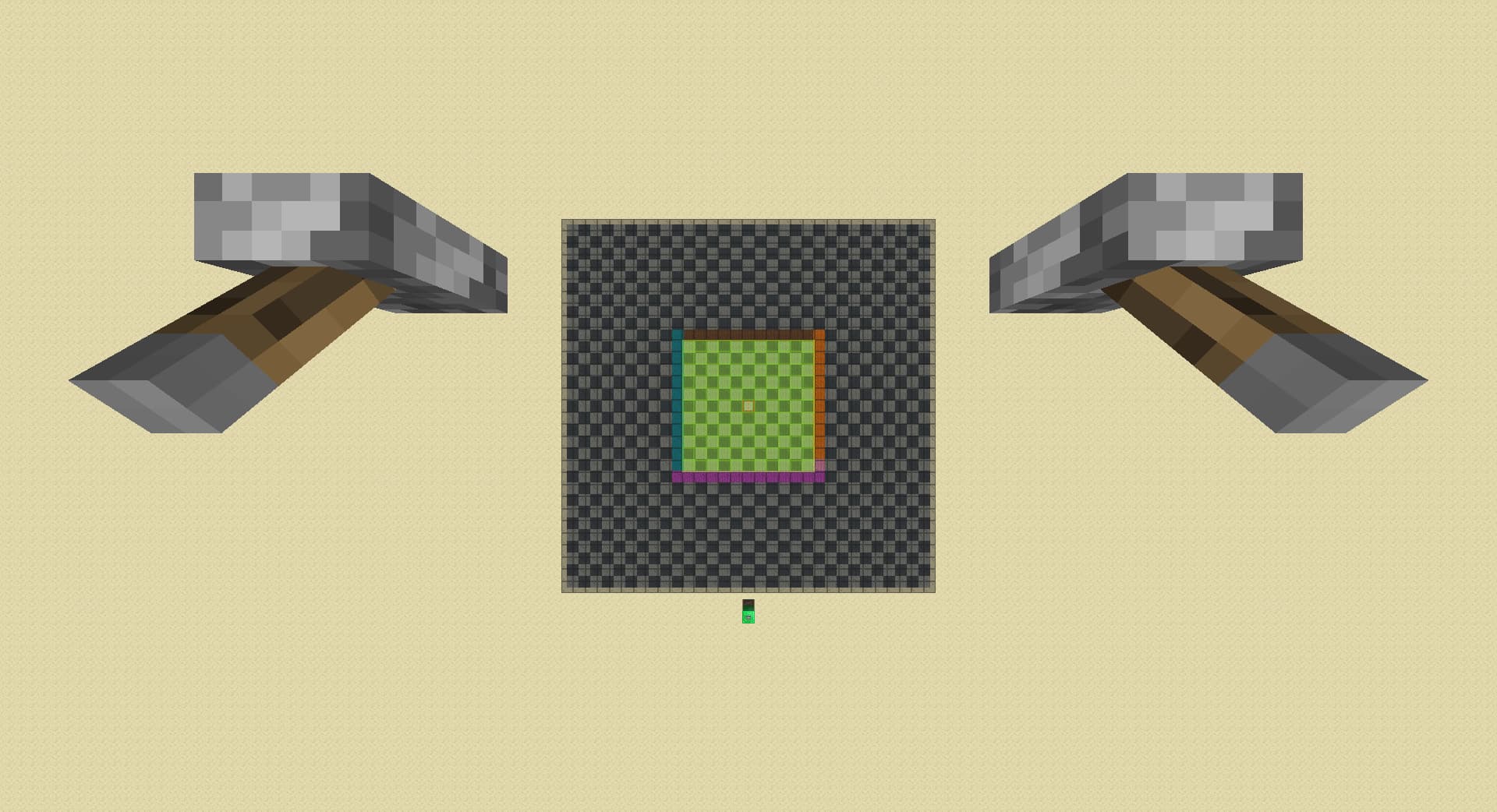
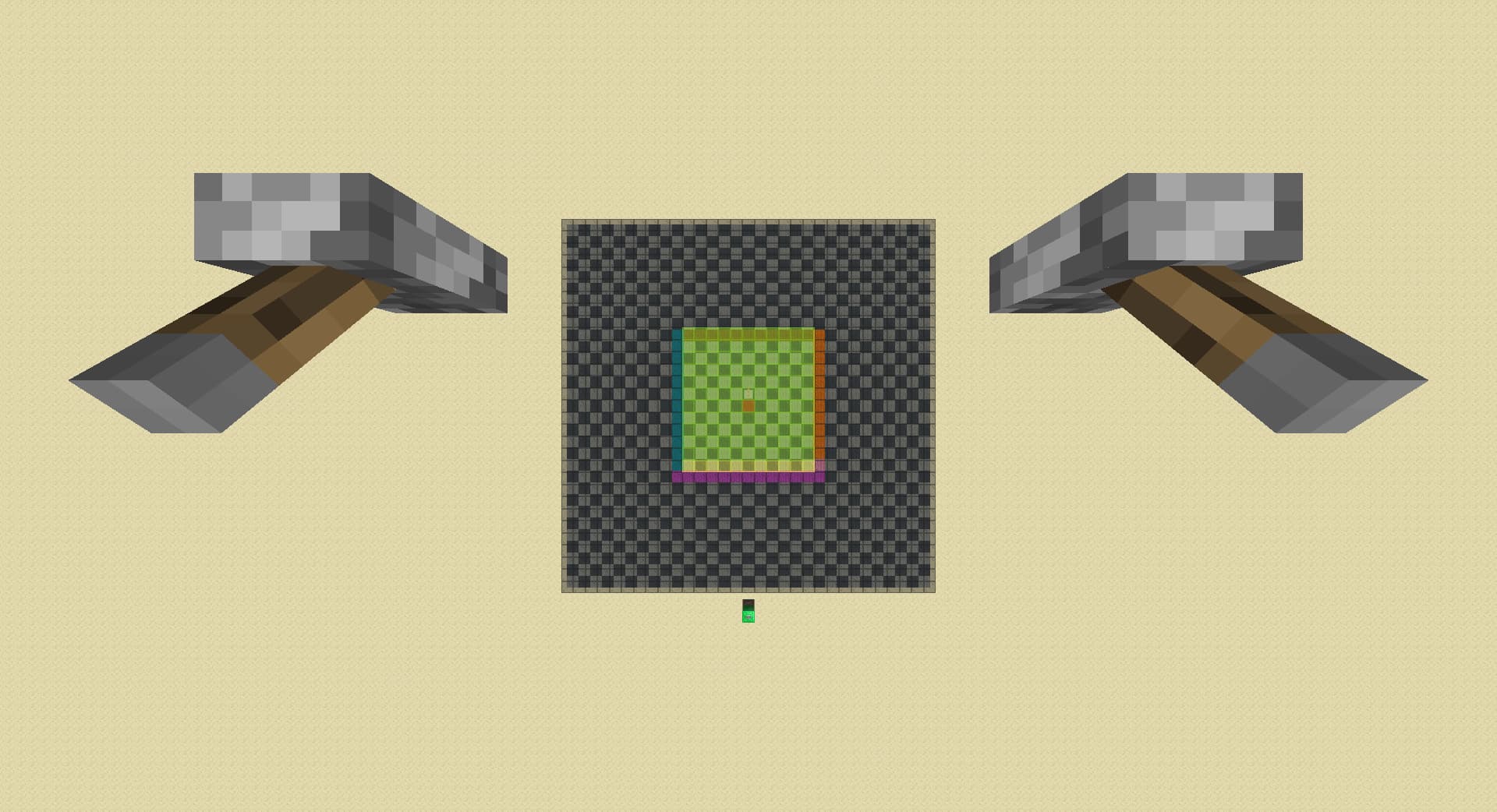
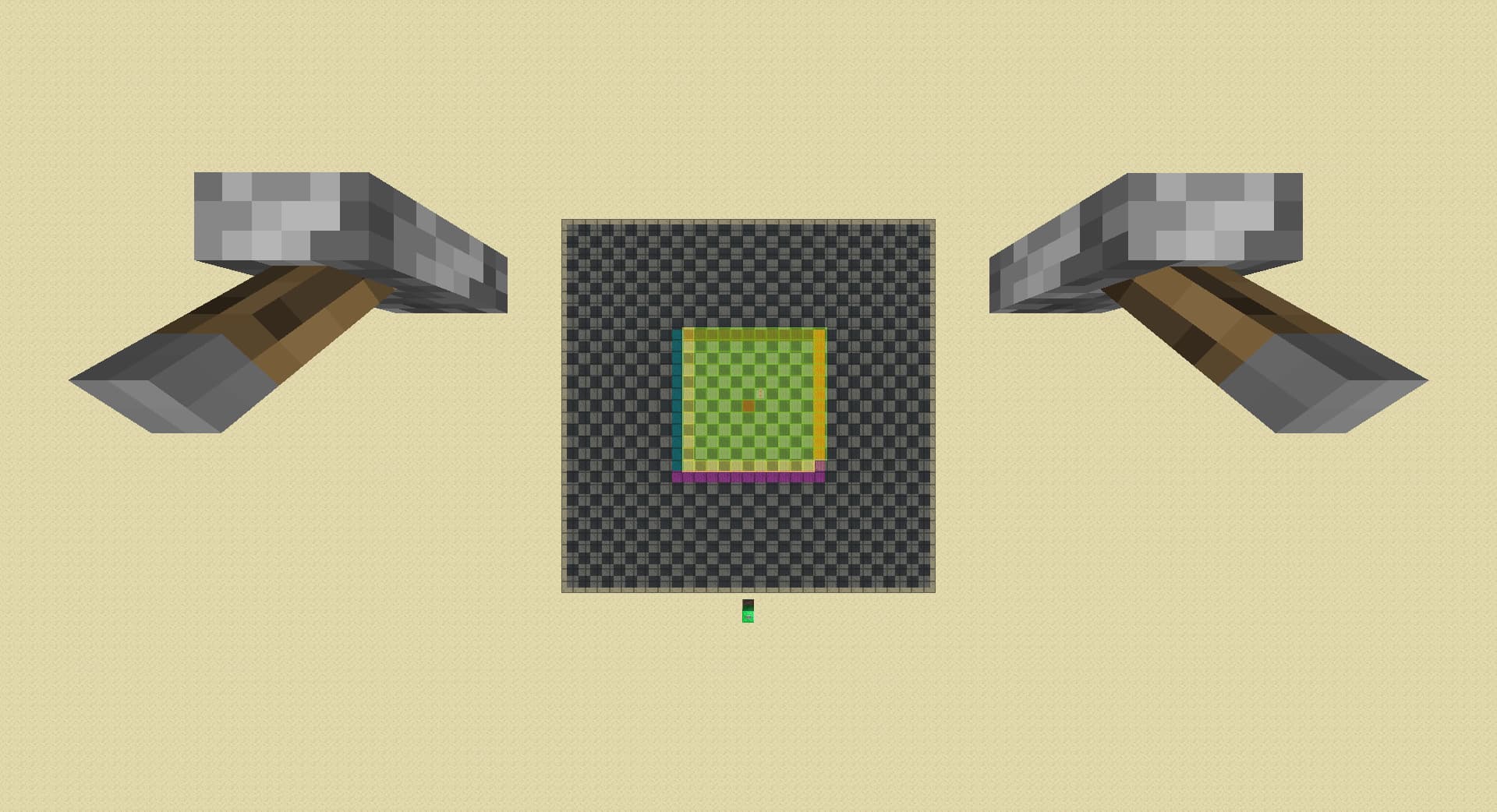
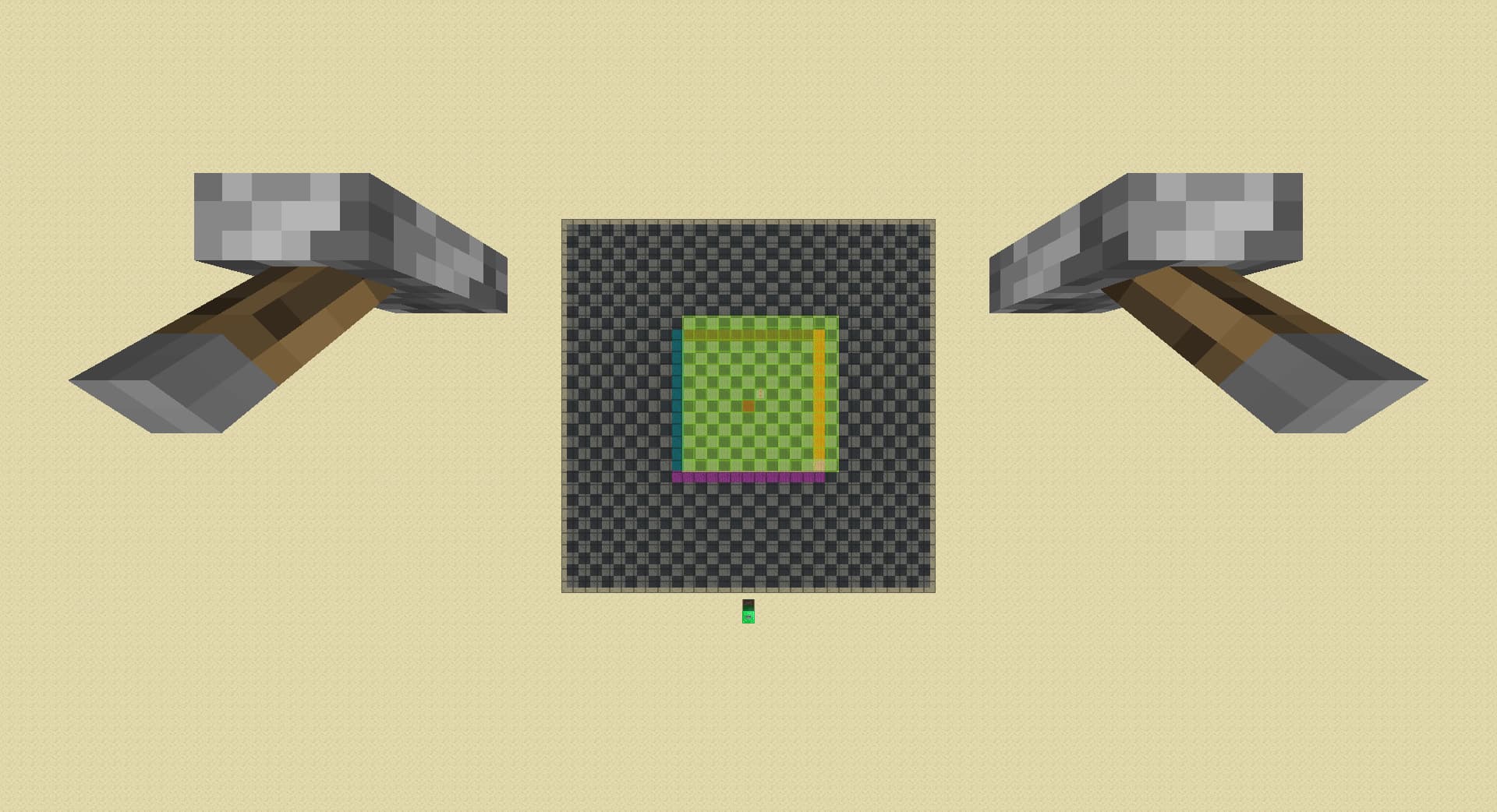
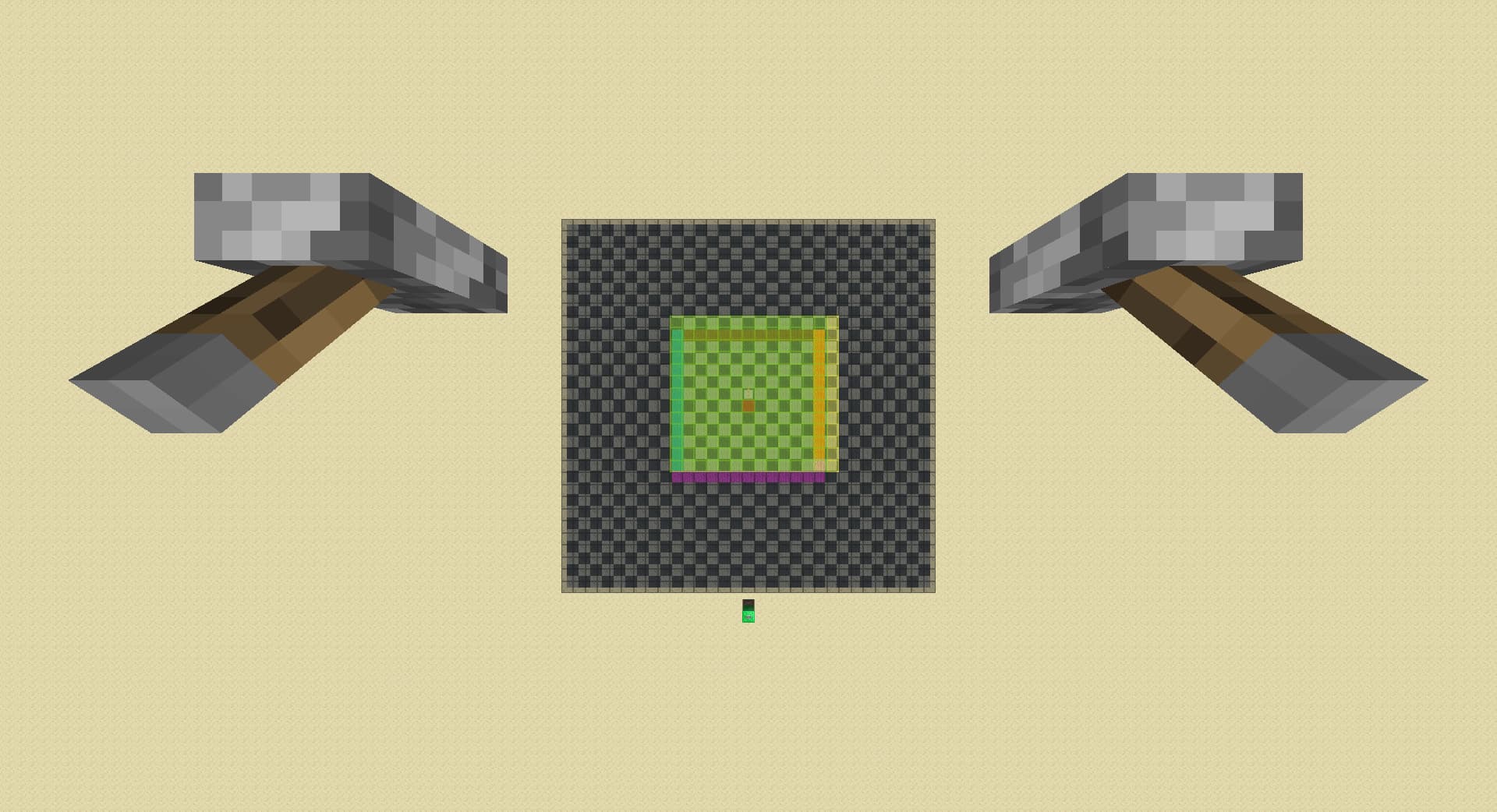
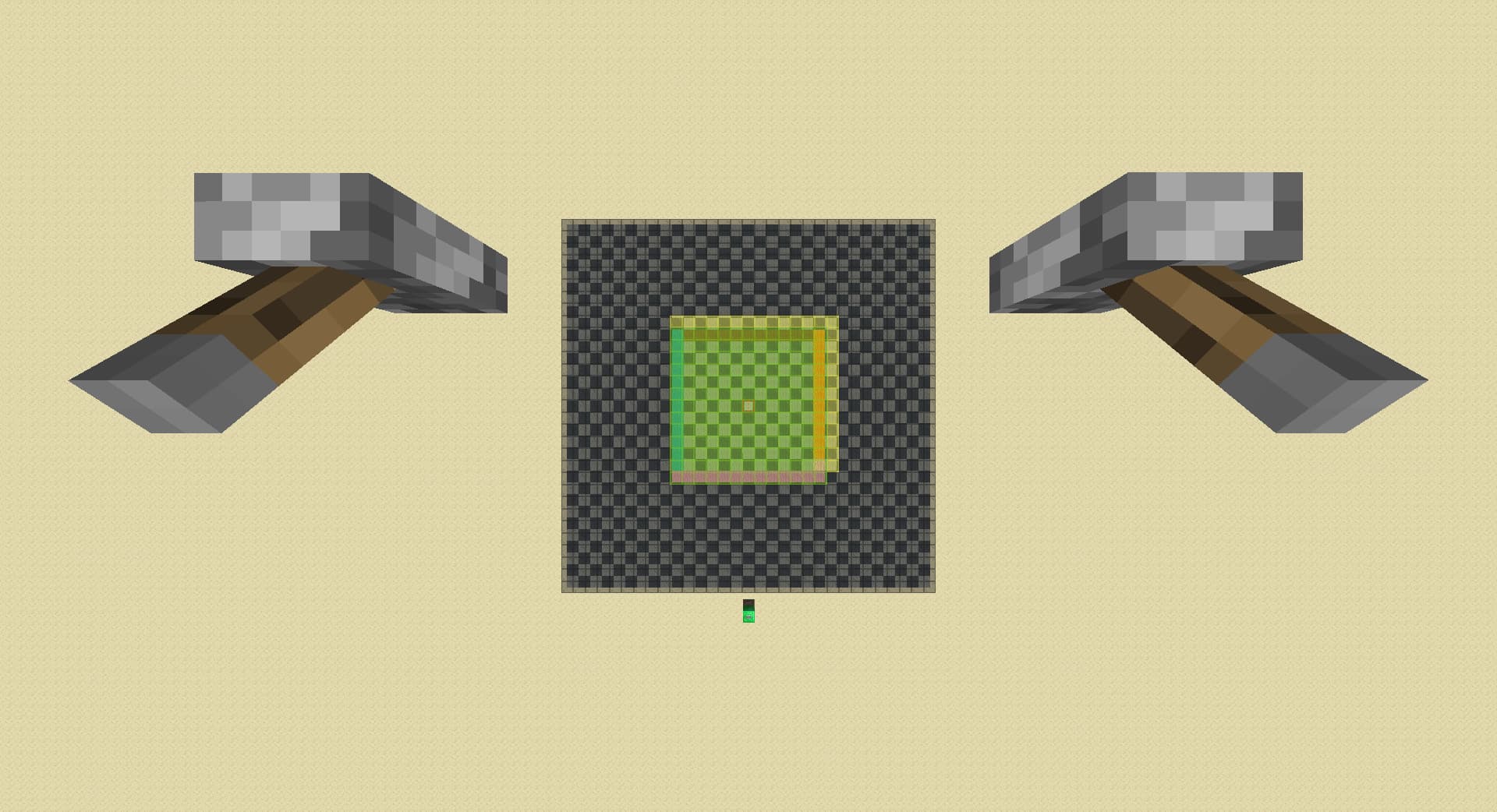
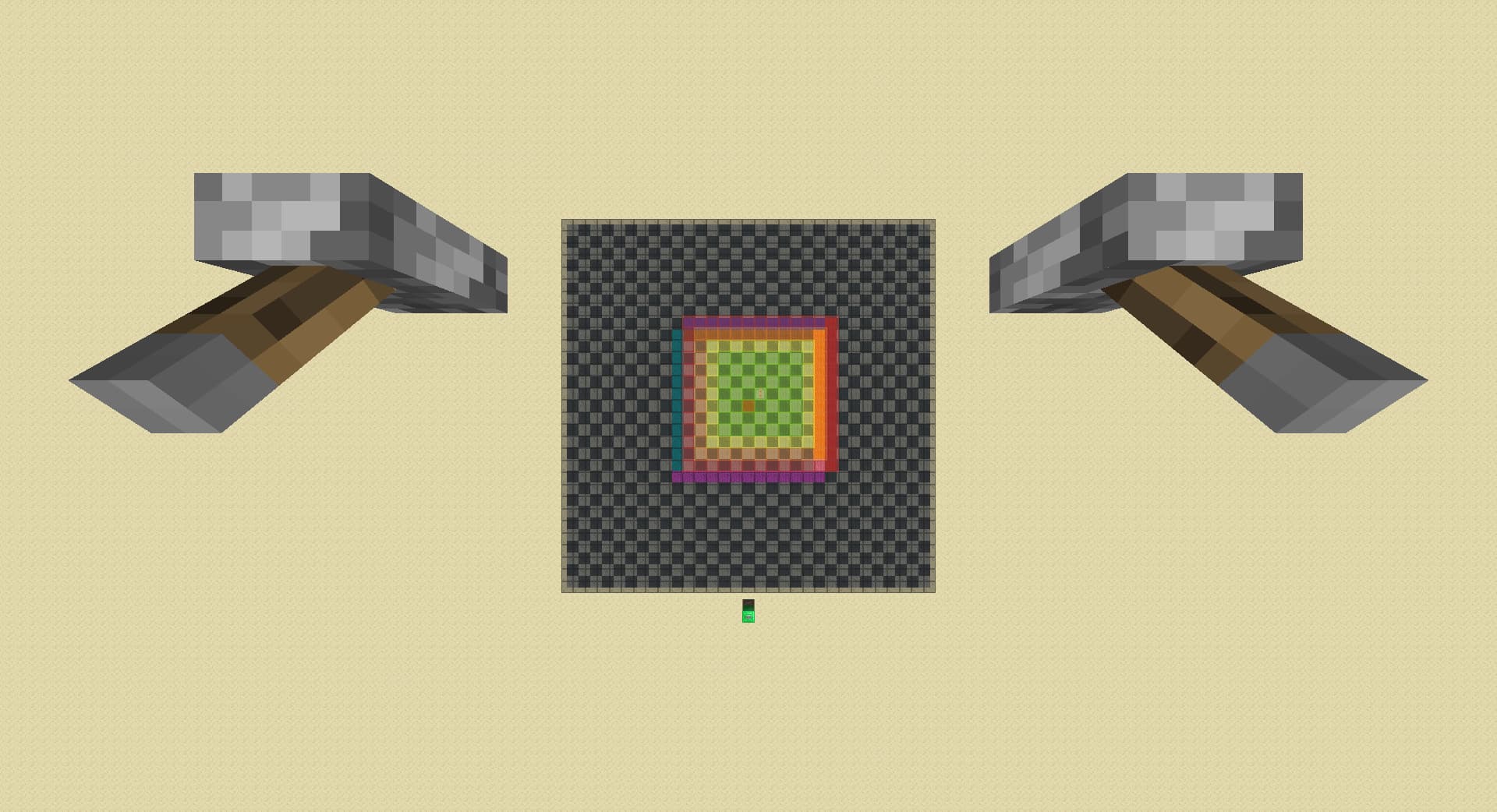
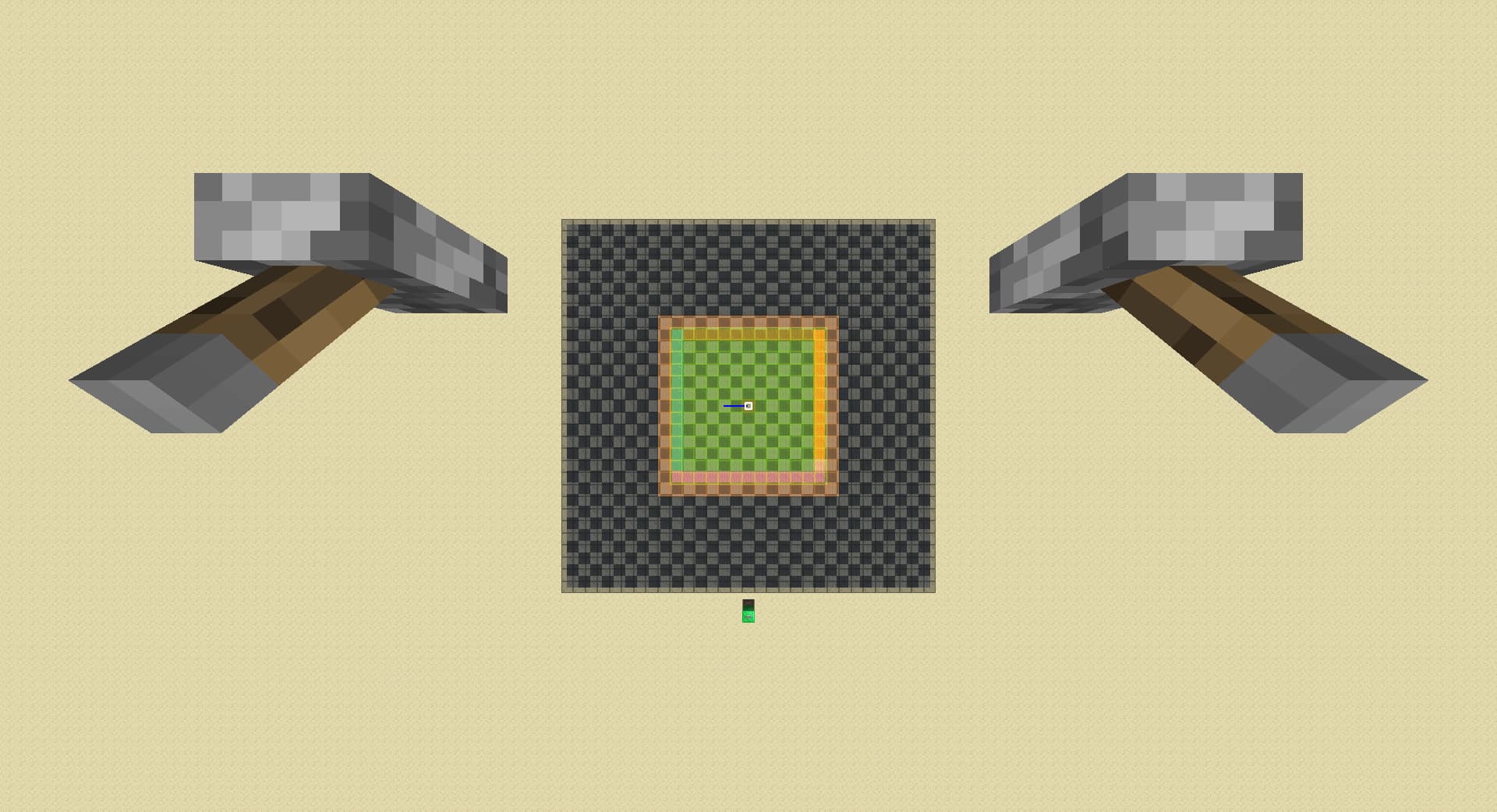
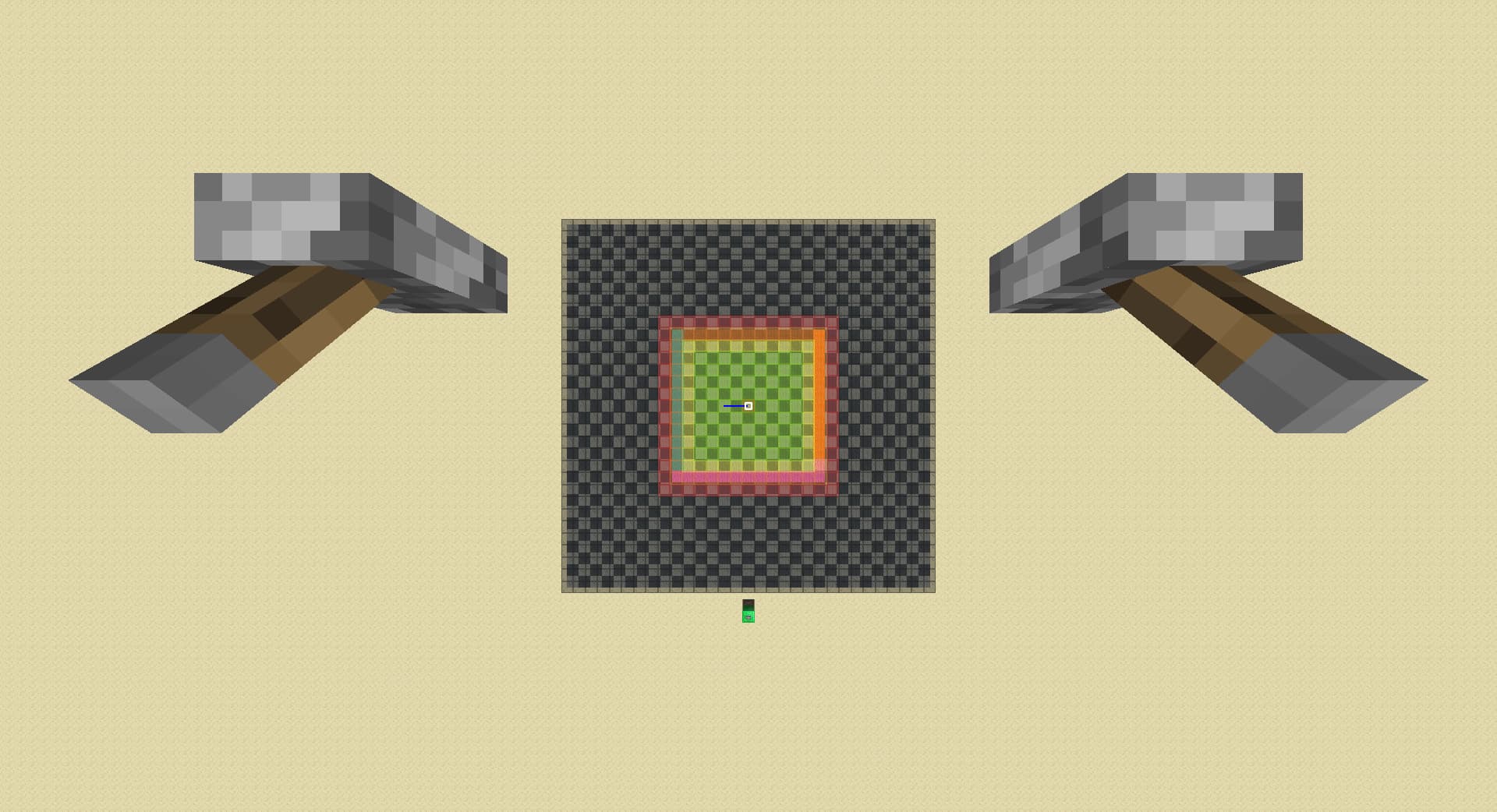
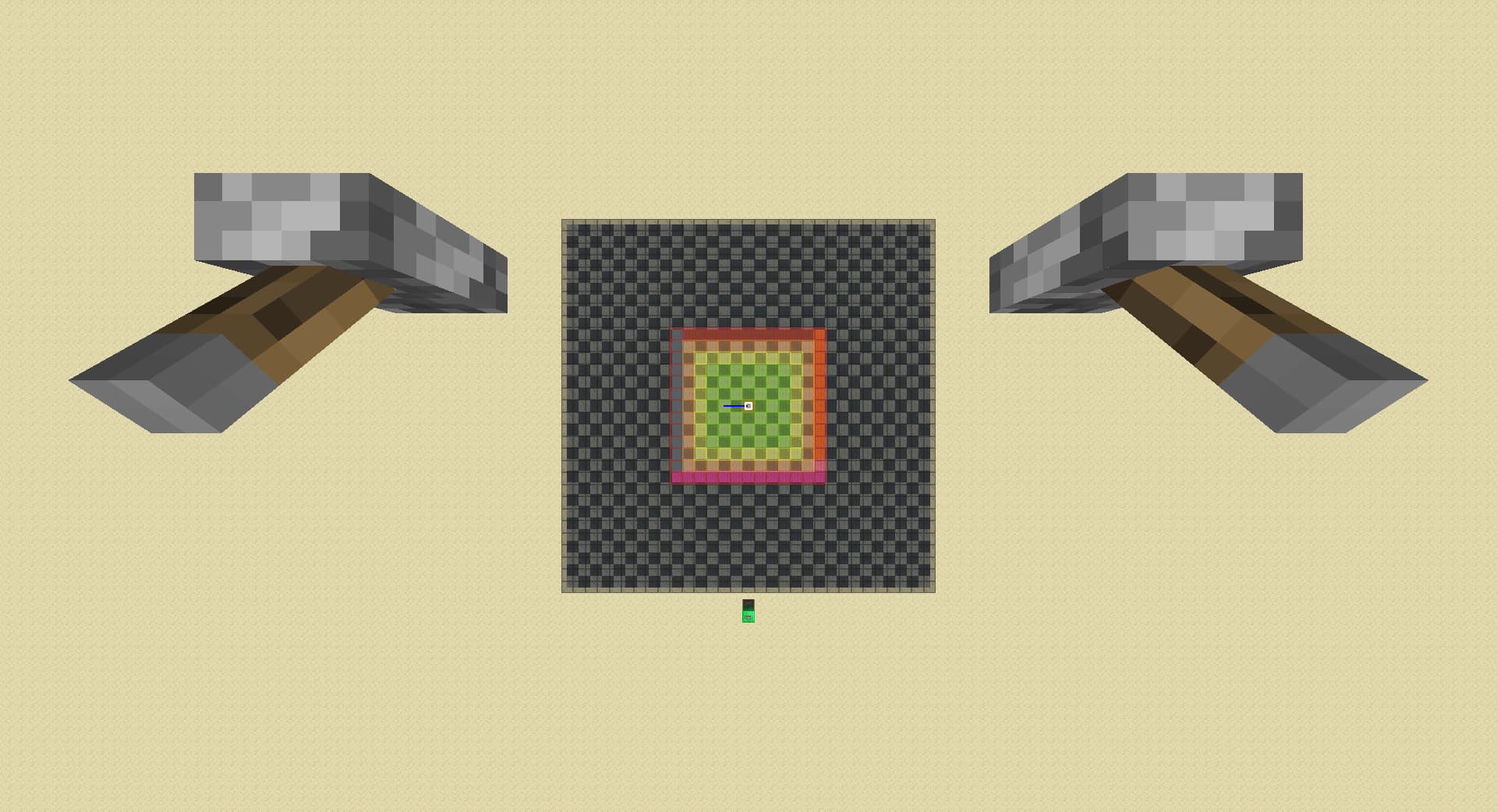
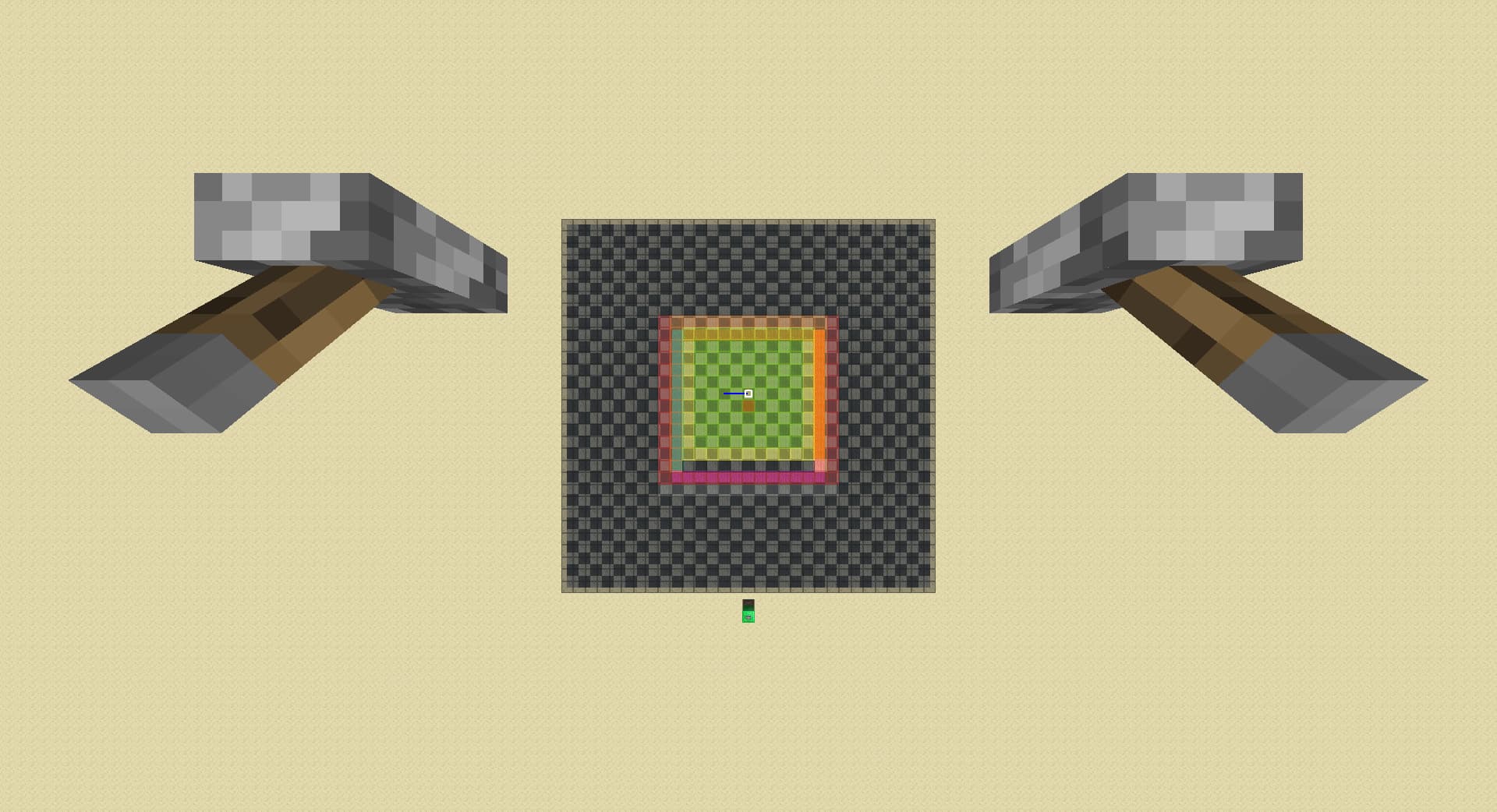
[Obsolete, Reposted] Pie Ray Simulator

i did not plan to make this at all I’m just bored and also need something to save me from tilt queue

link to the map

i realized the map was updating every block every tick so it is soooo laggggy:
link to the map with lagfix

link to the map that is (hopefully) completely correct but also completely unnessarily confusing for anyone learning pie ray

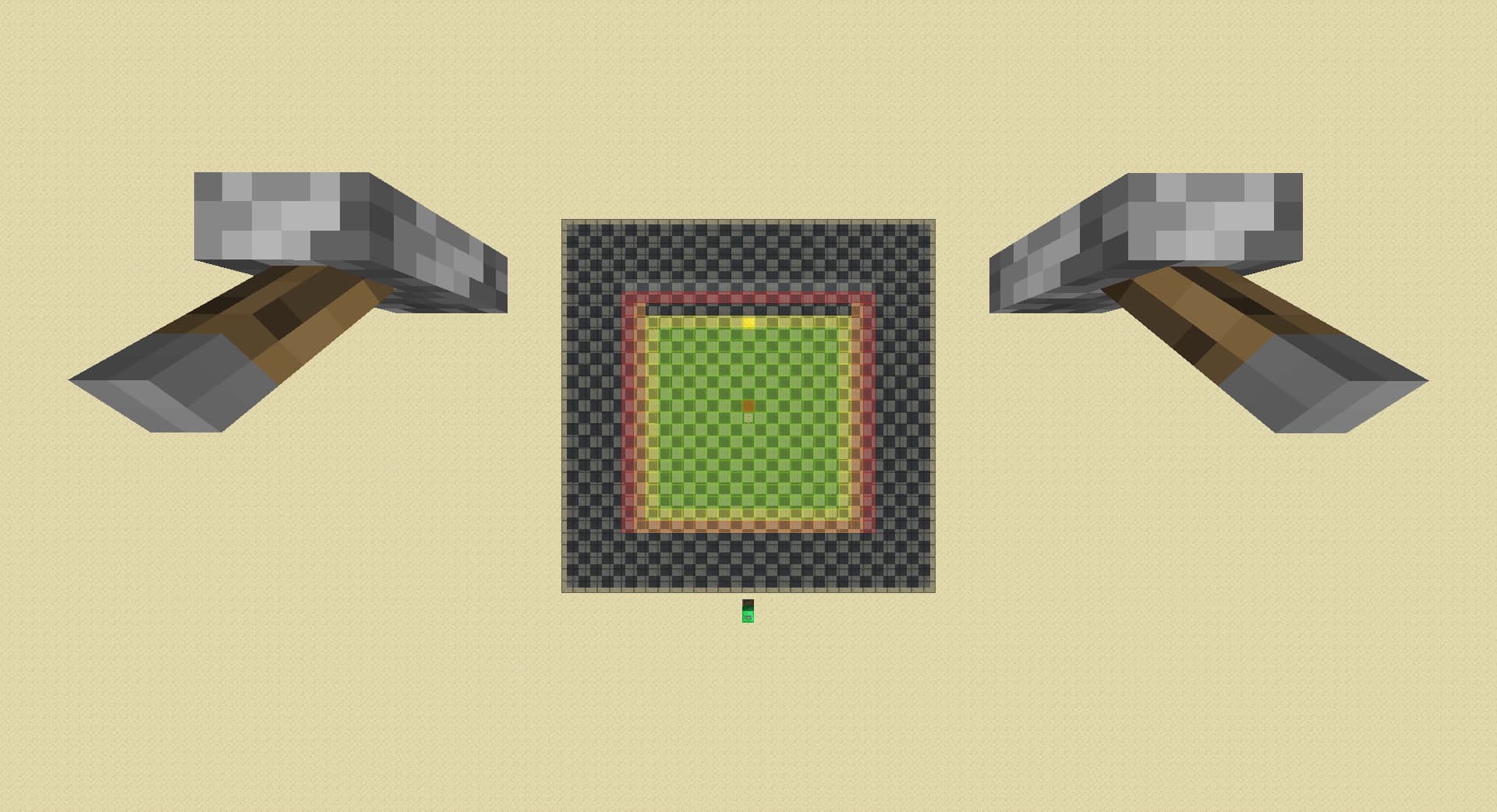
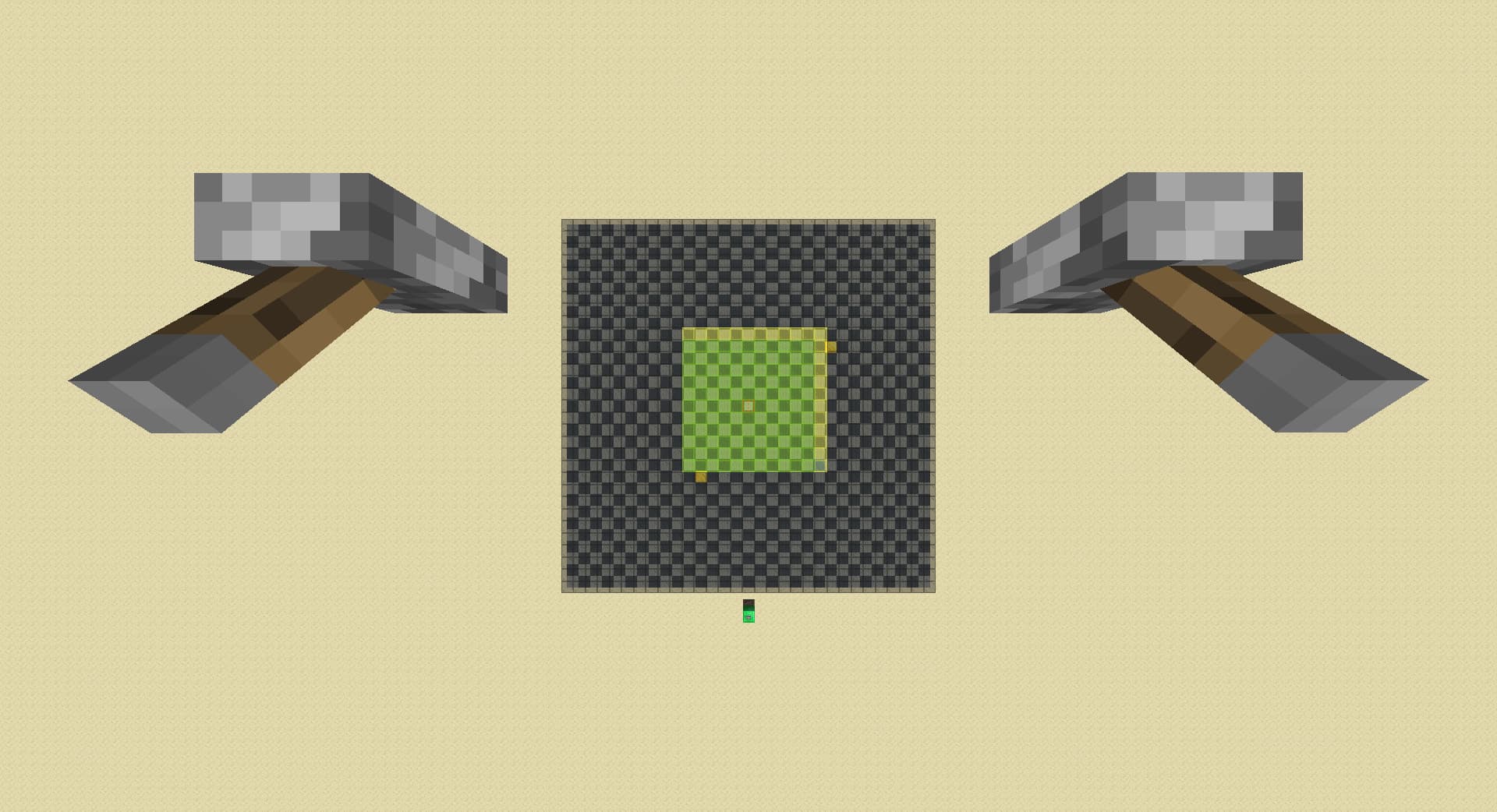
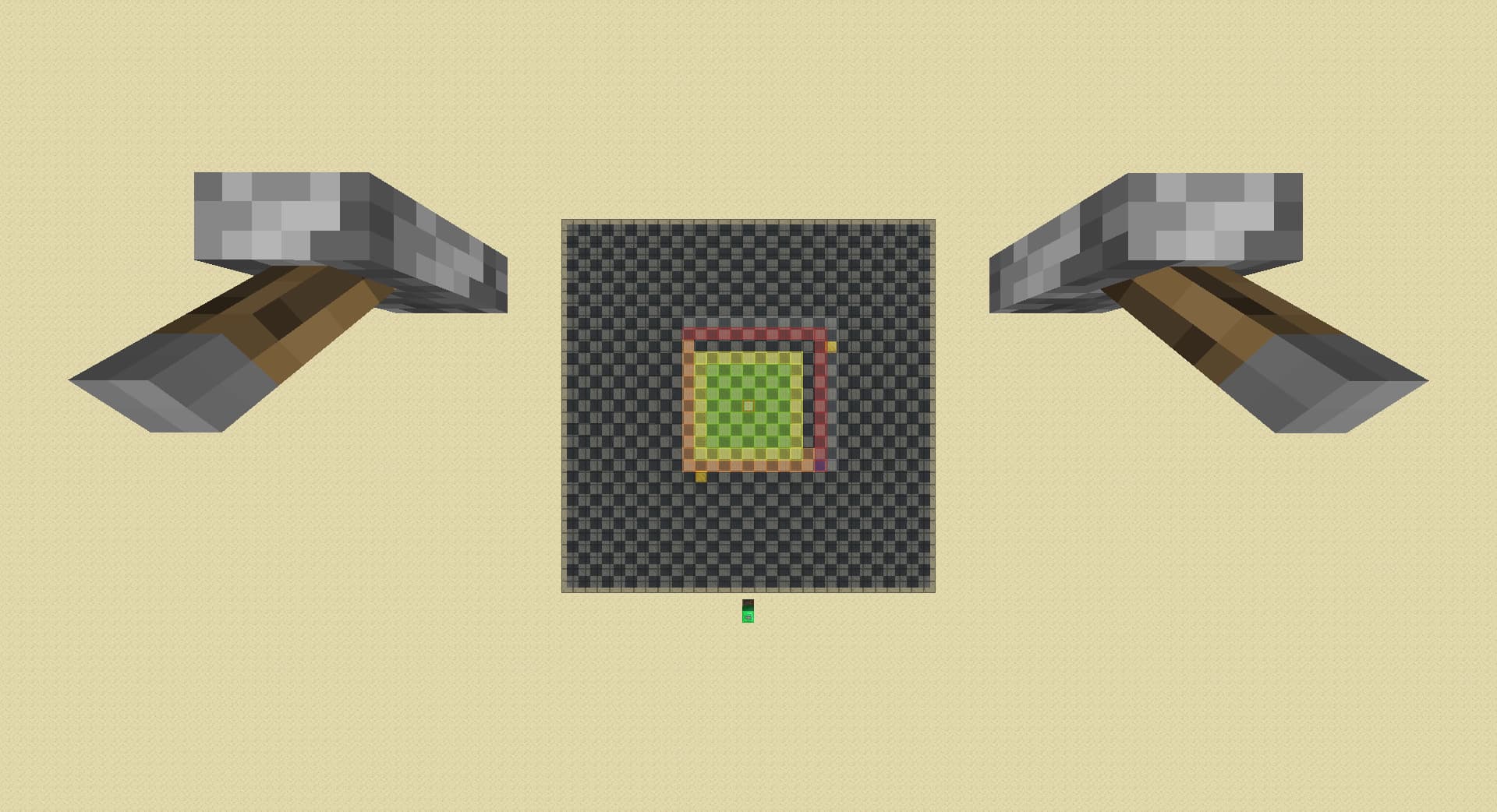
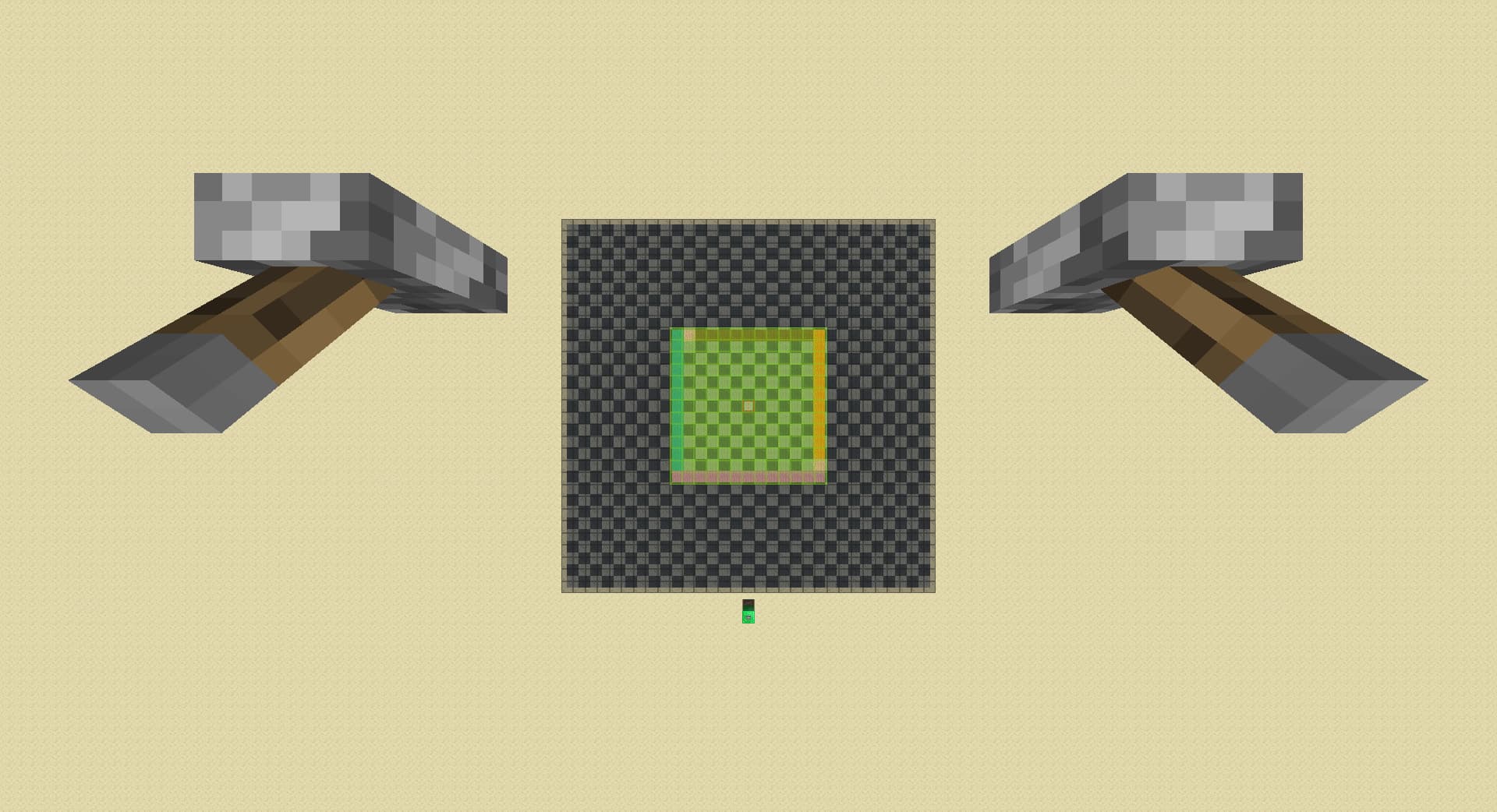
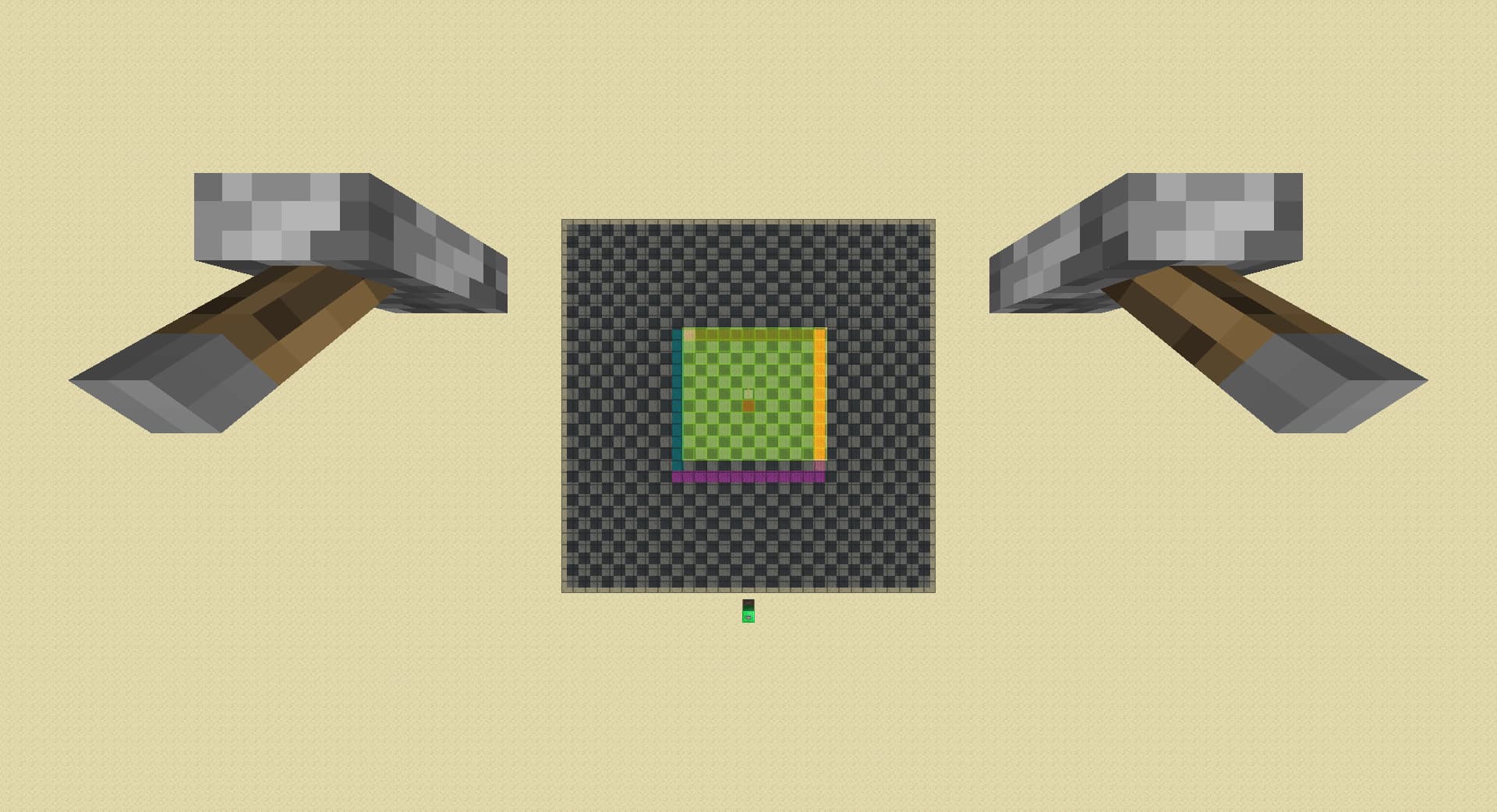
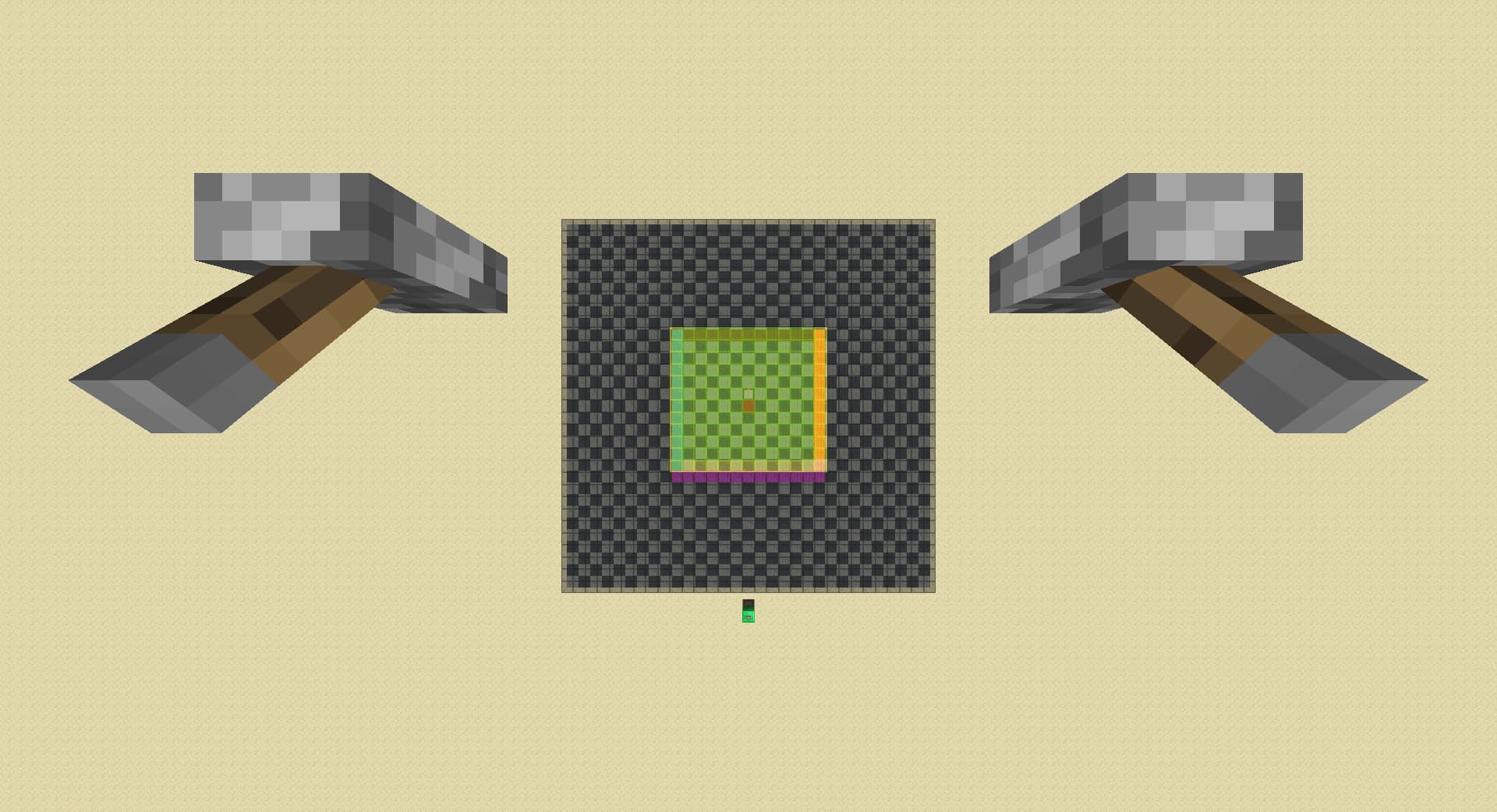
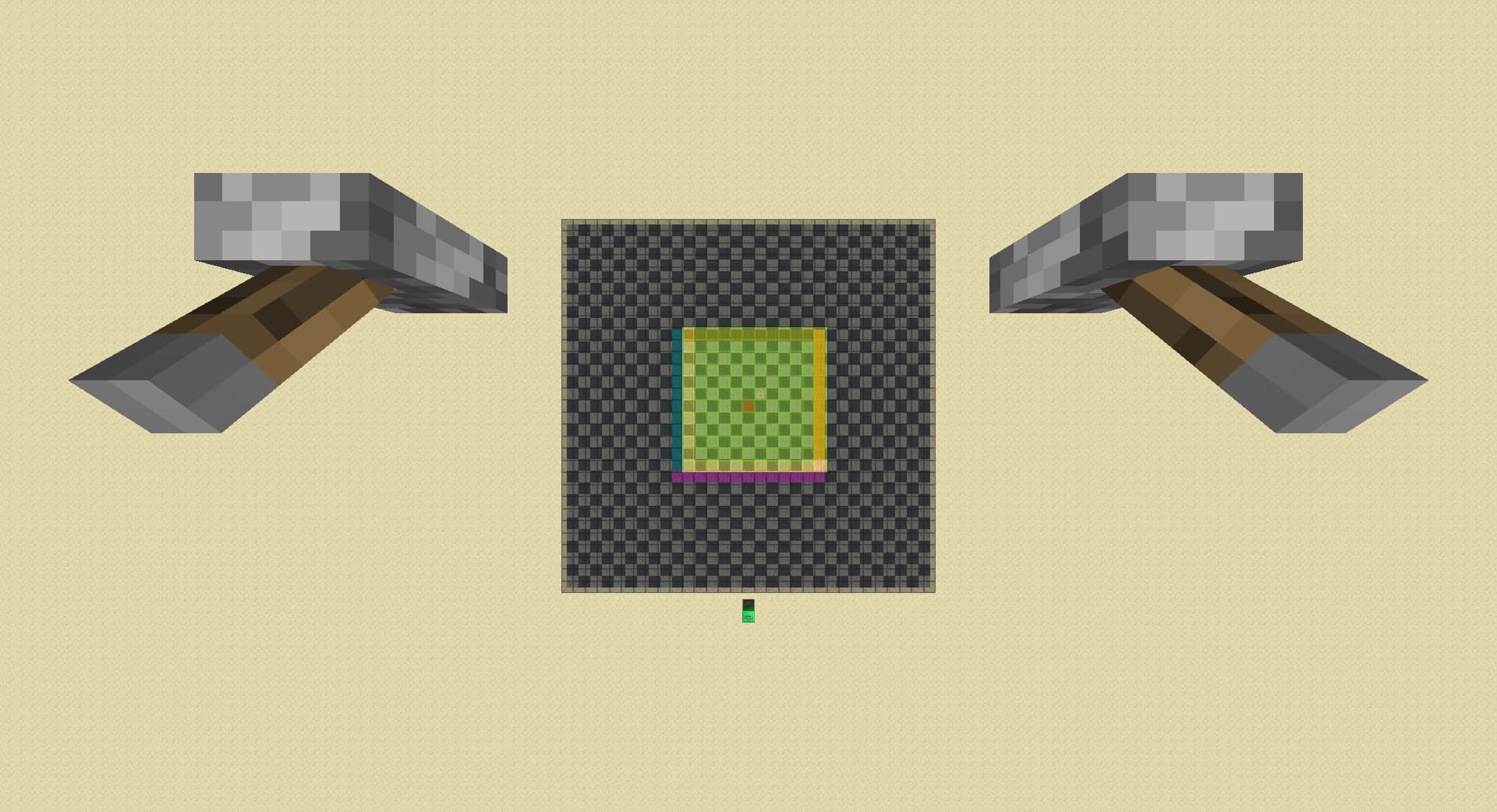
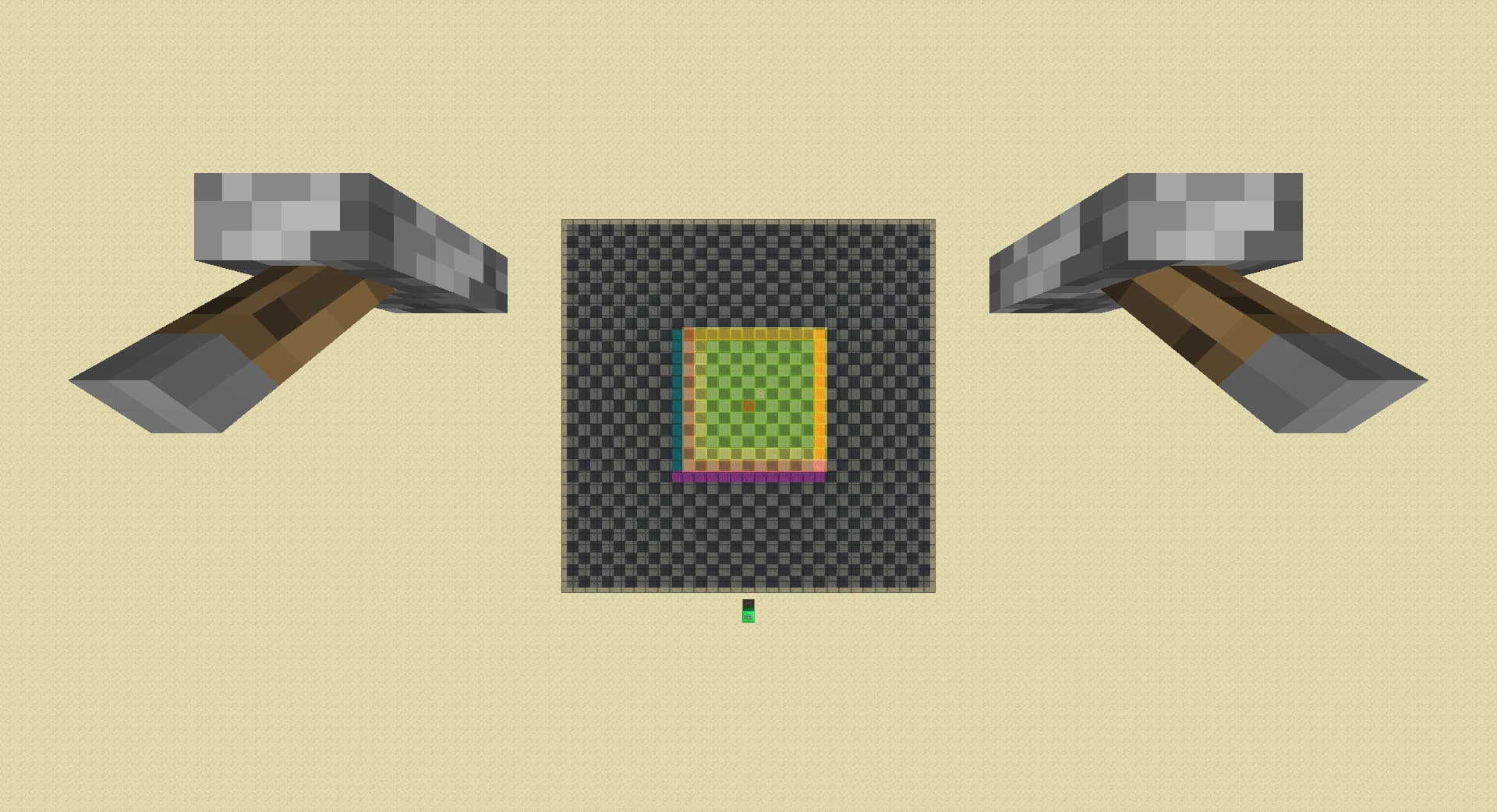
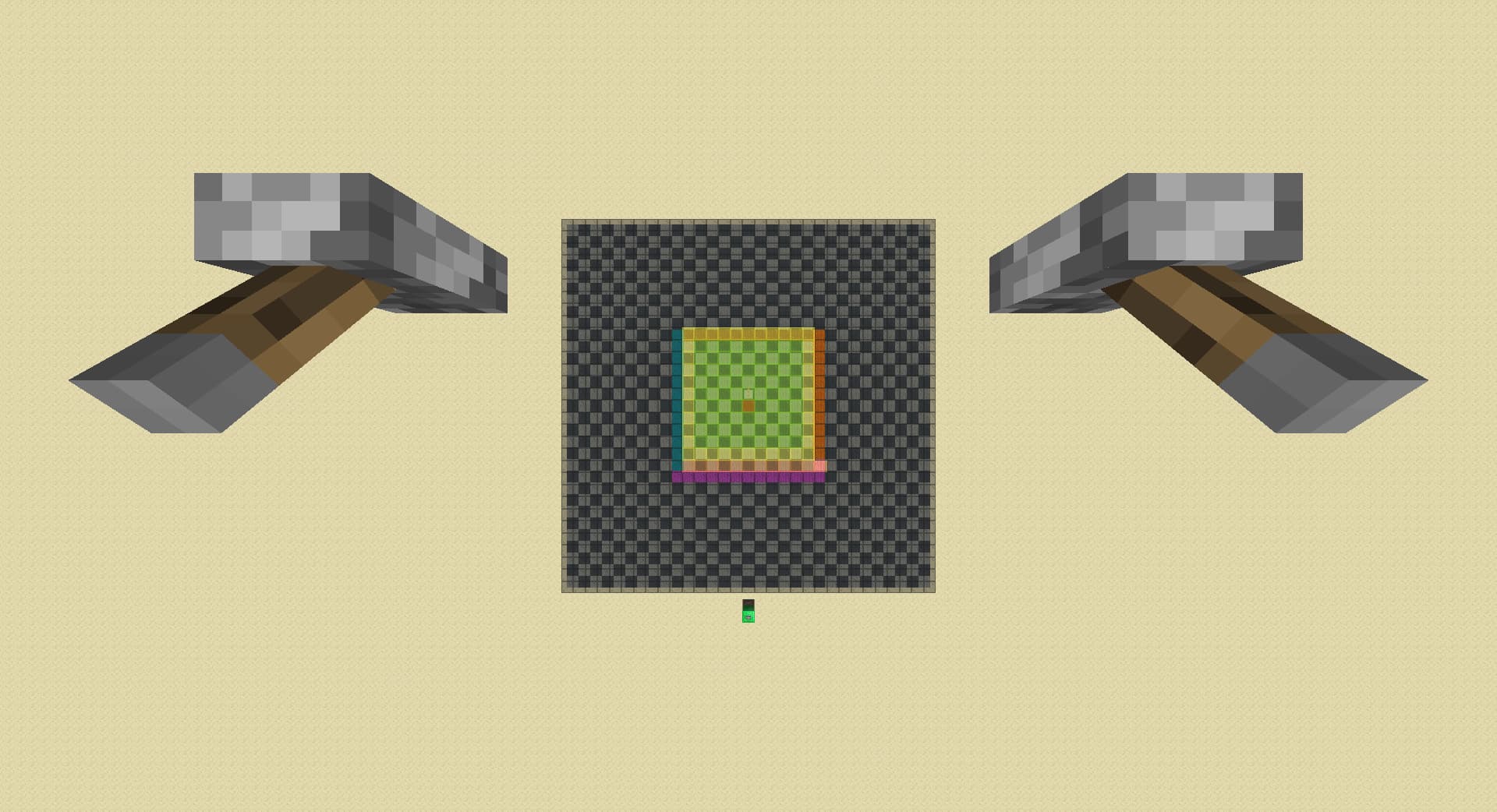
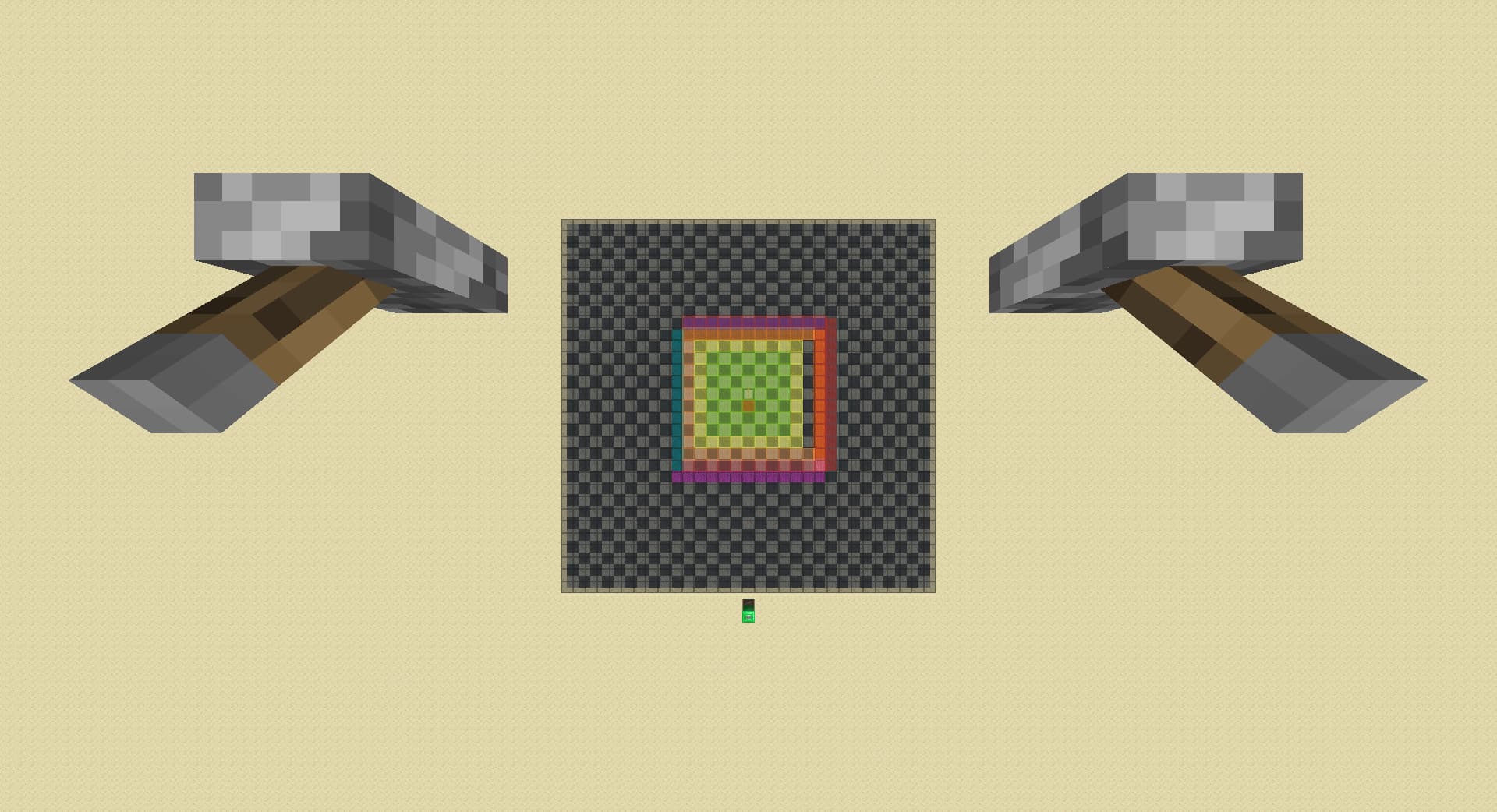
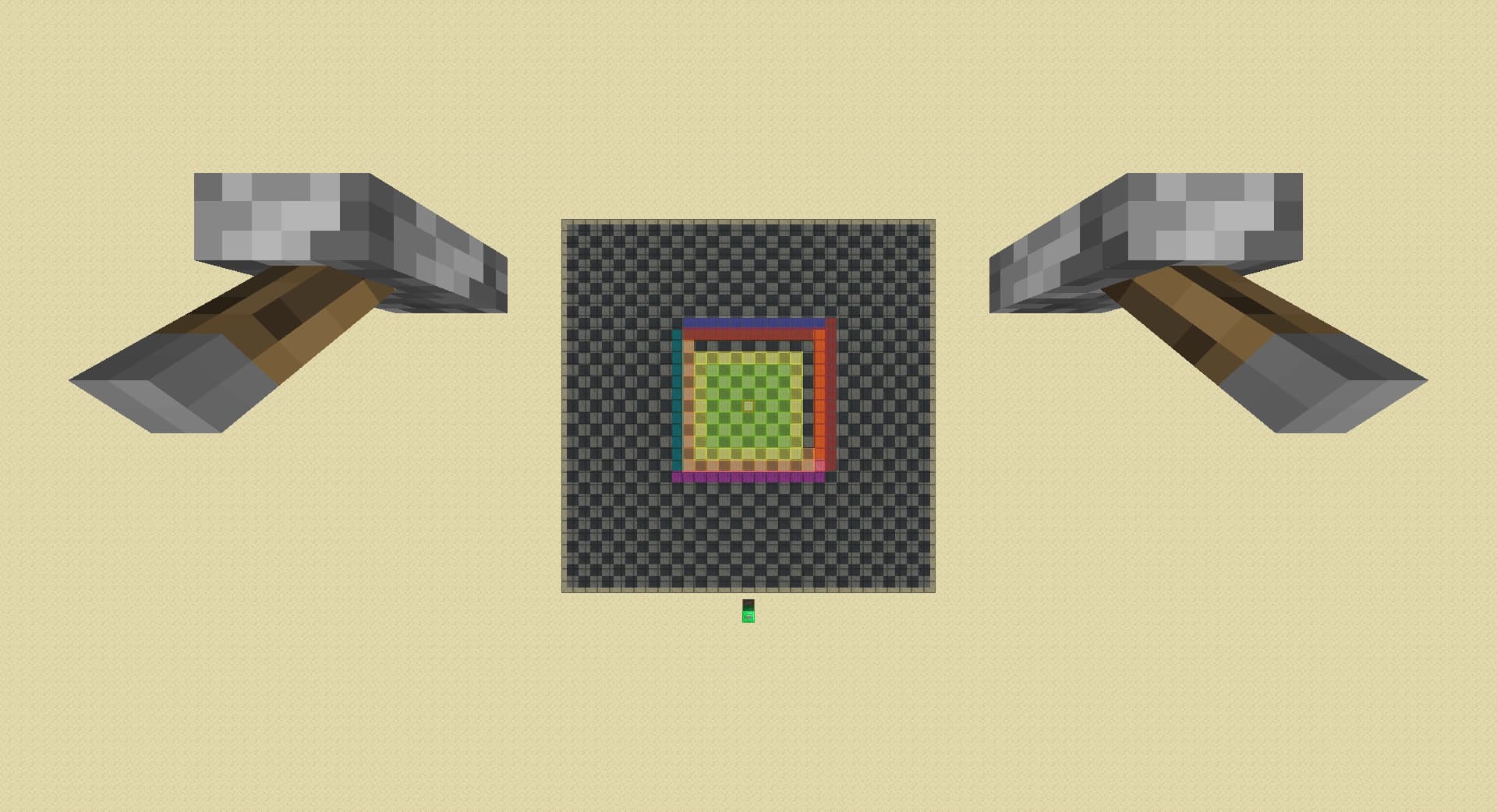
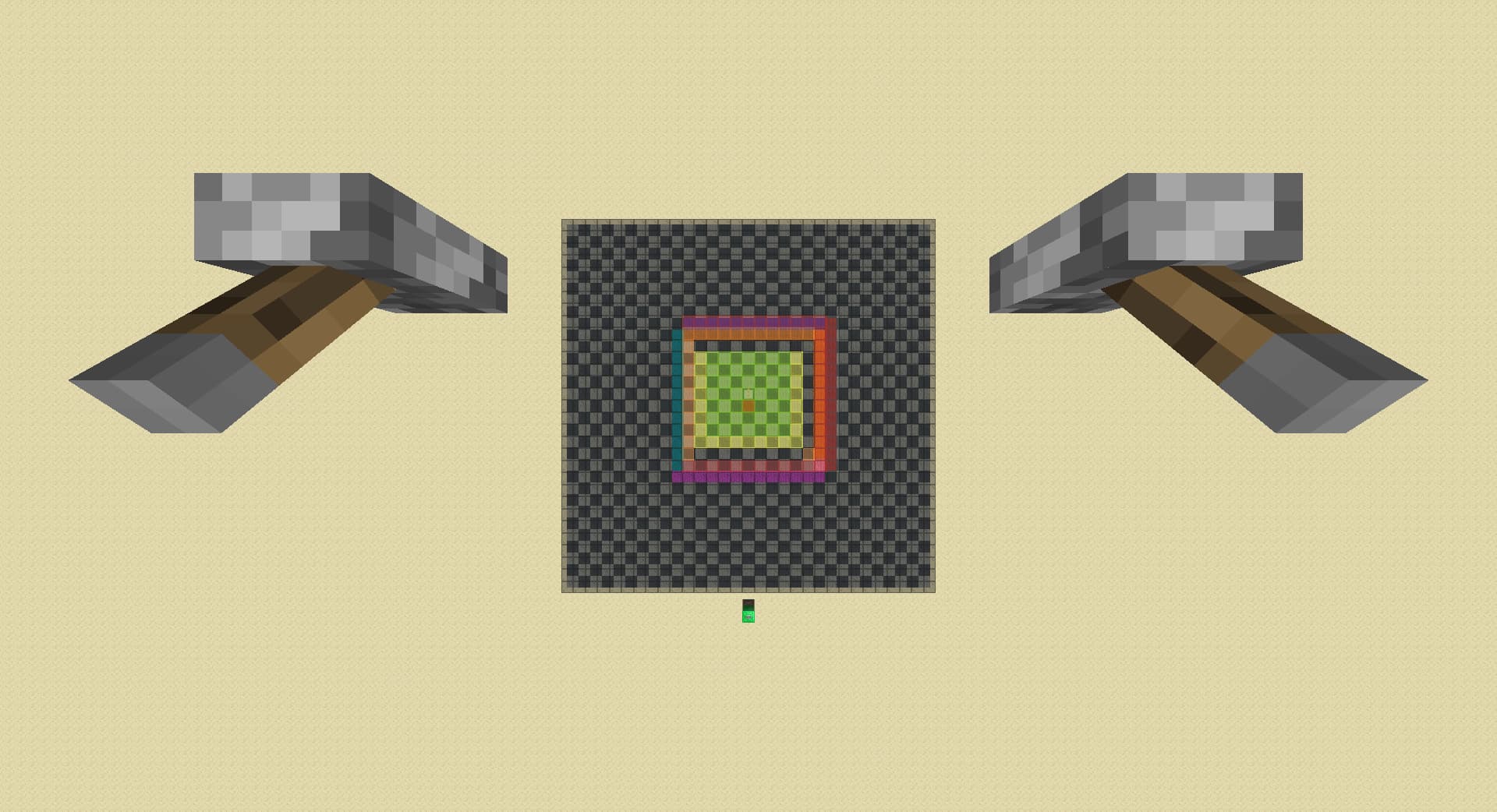
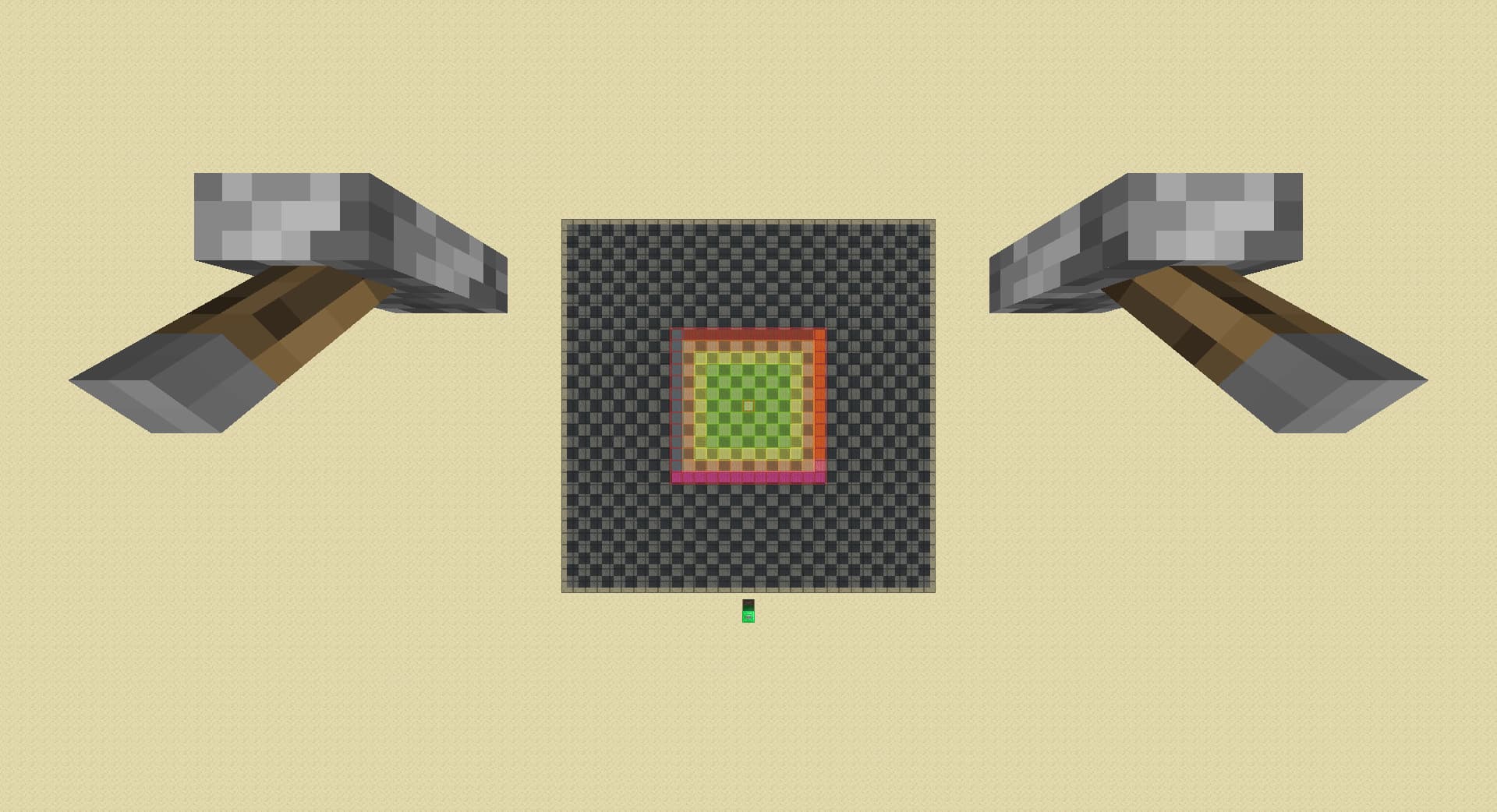
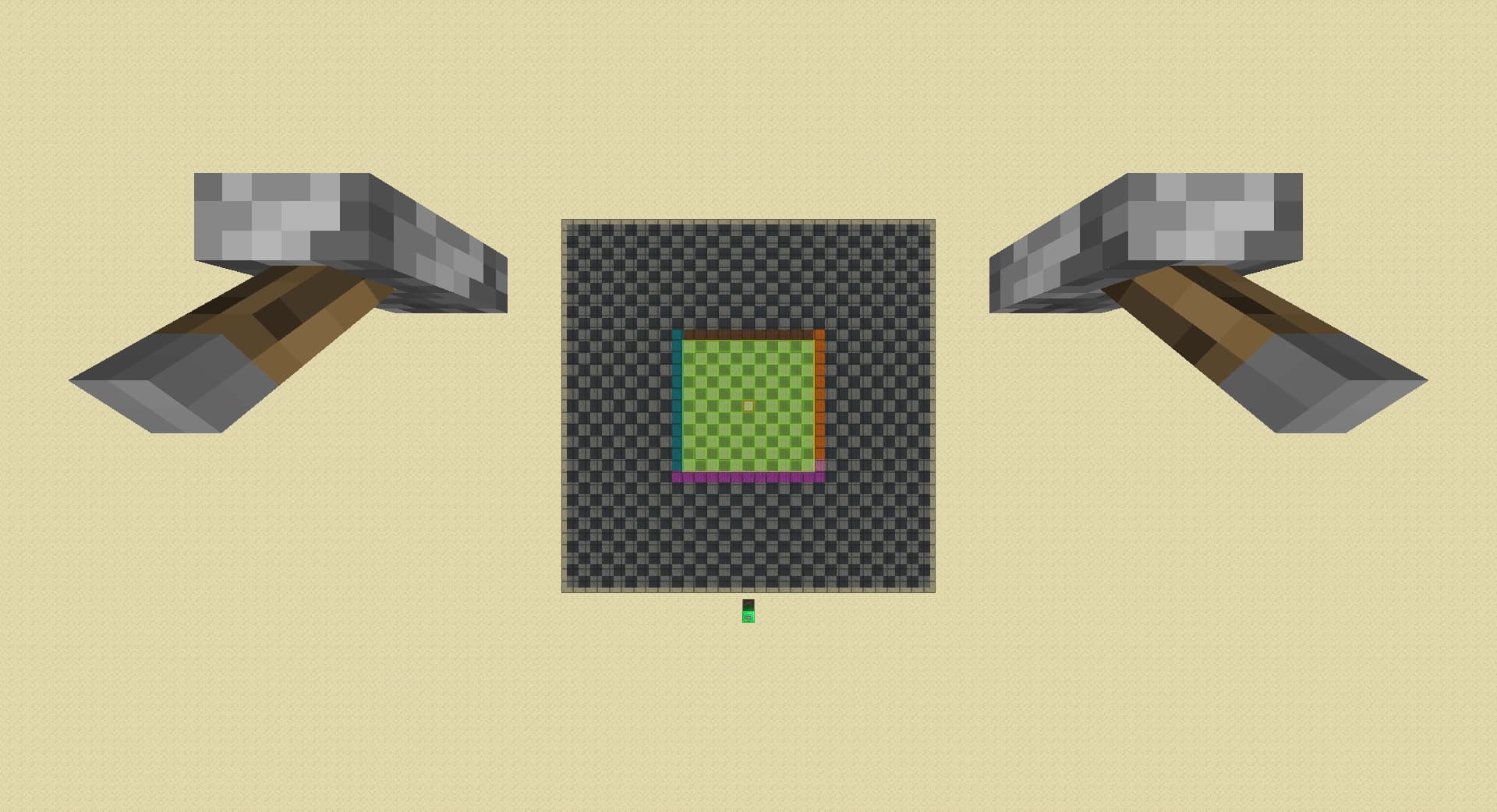
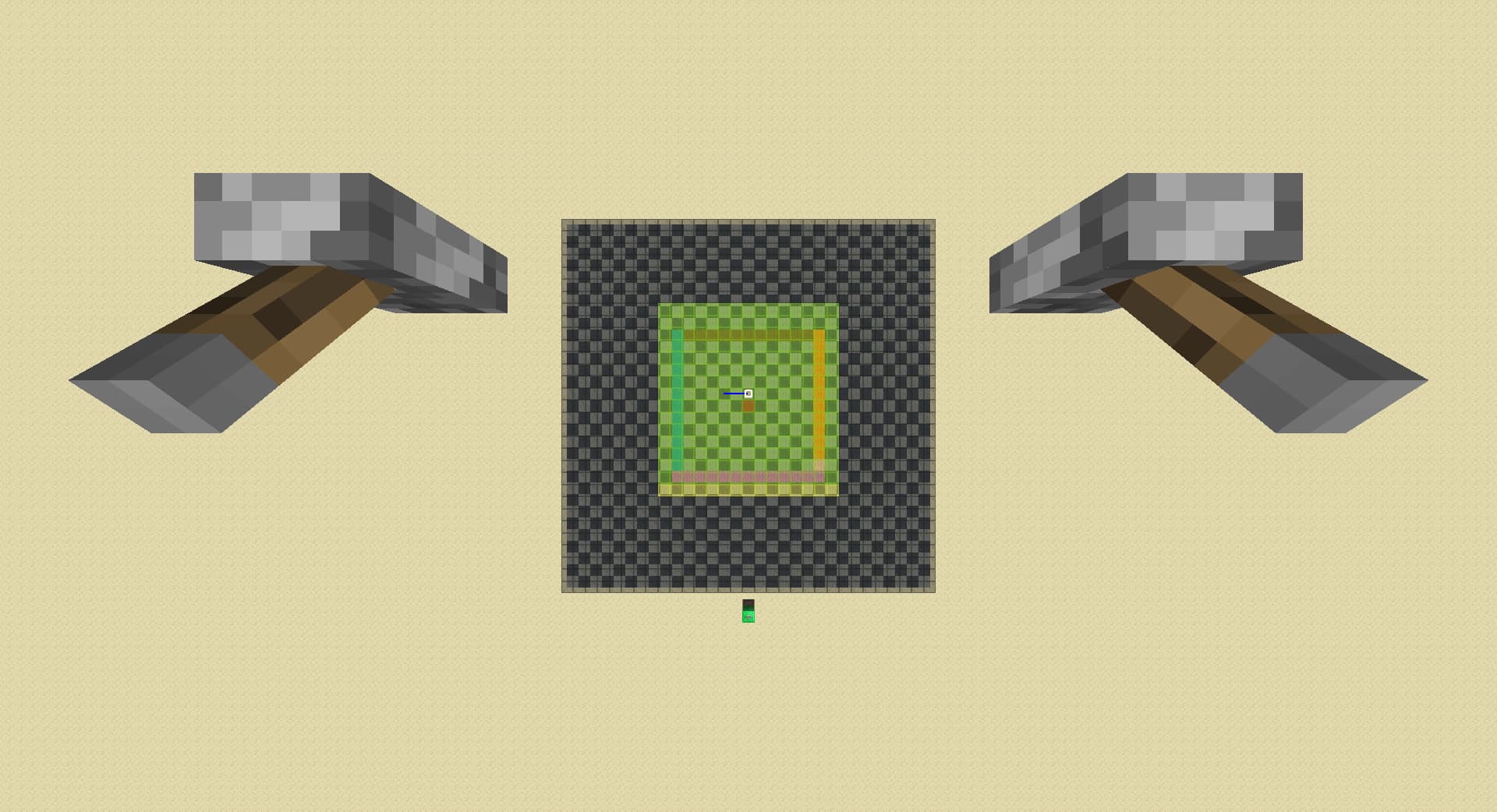
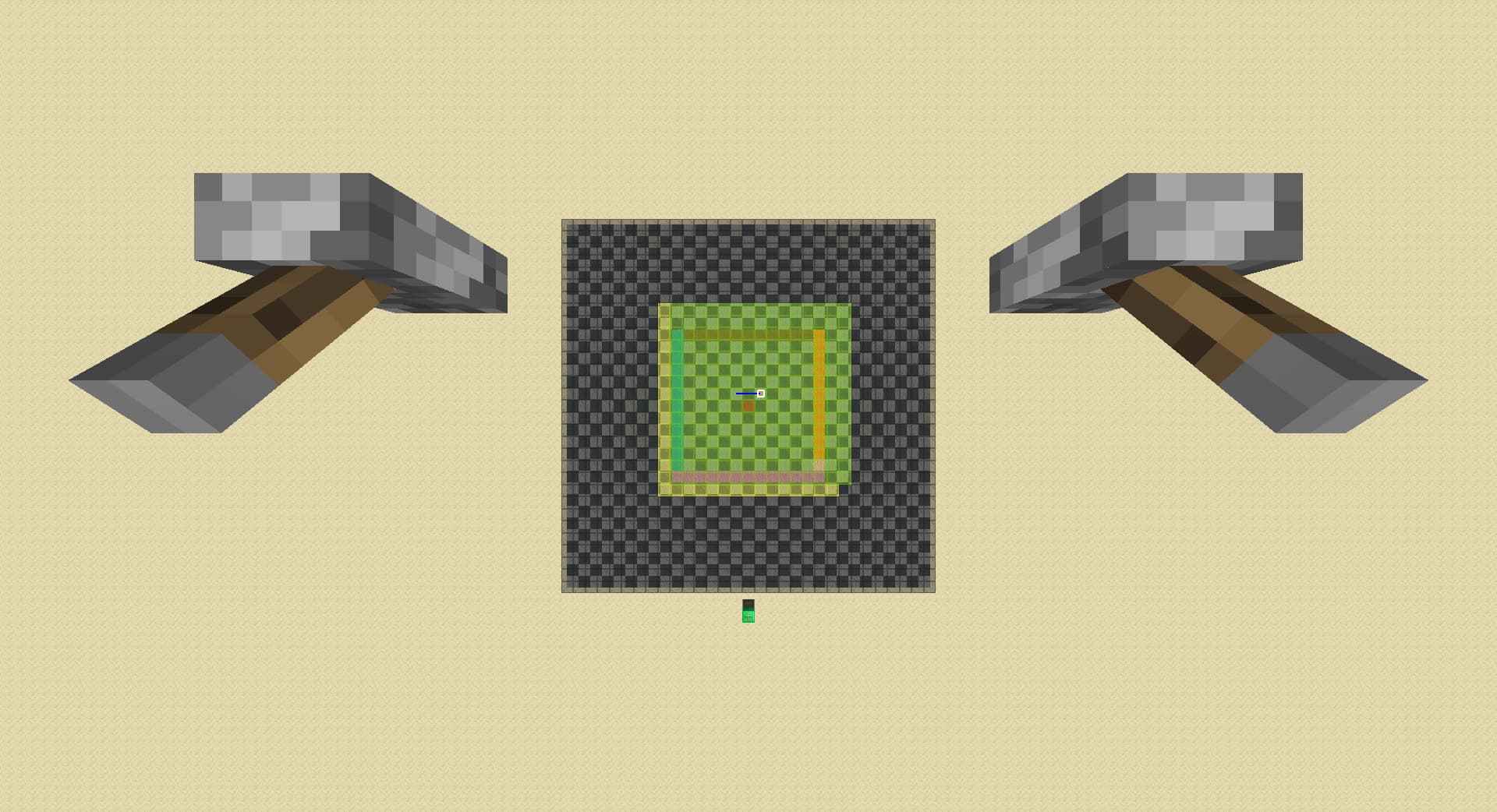
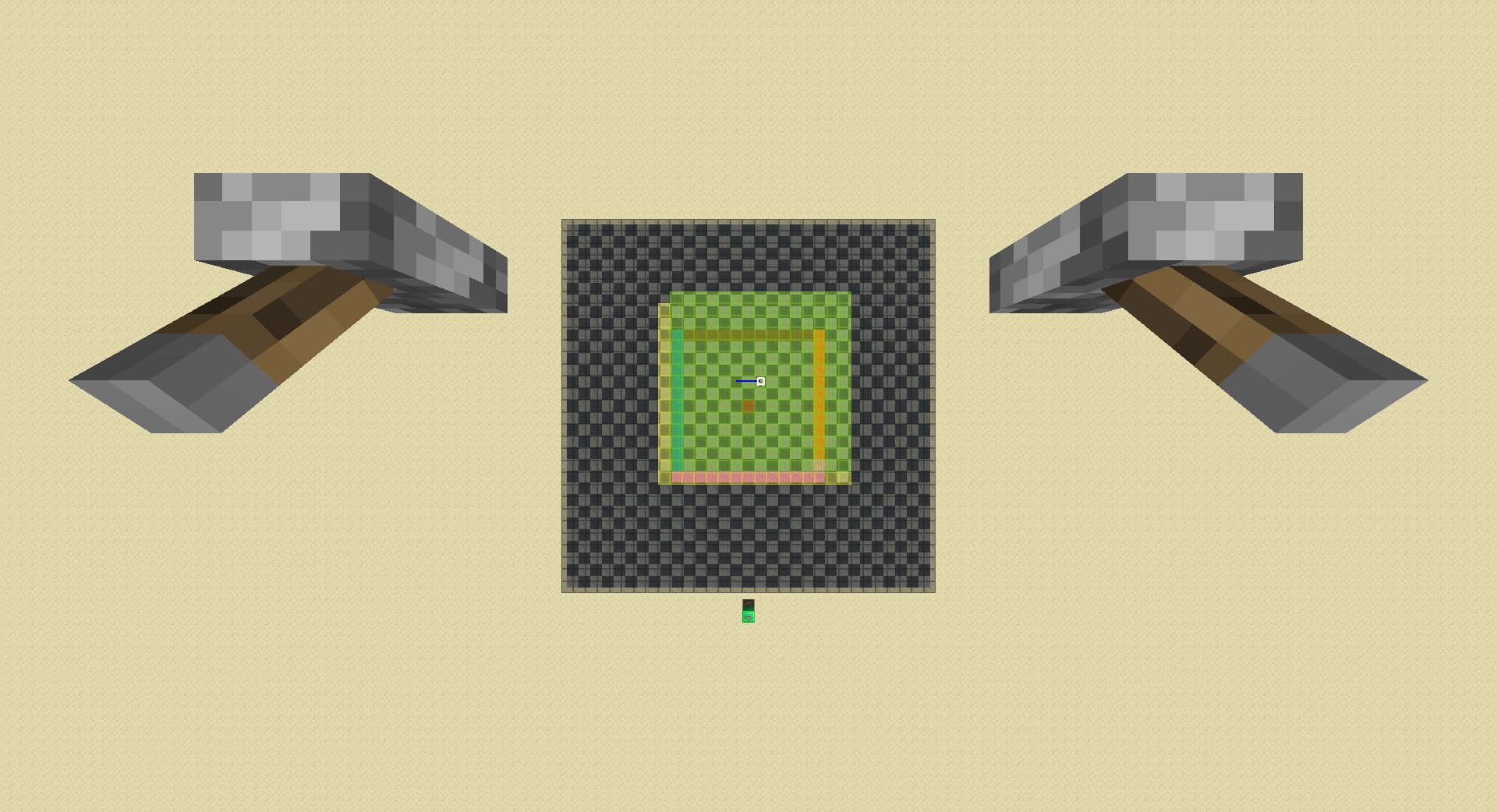
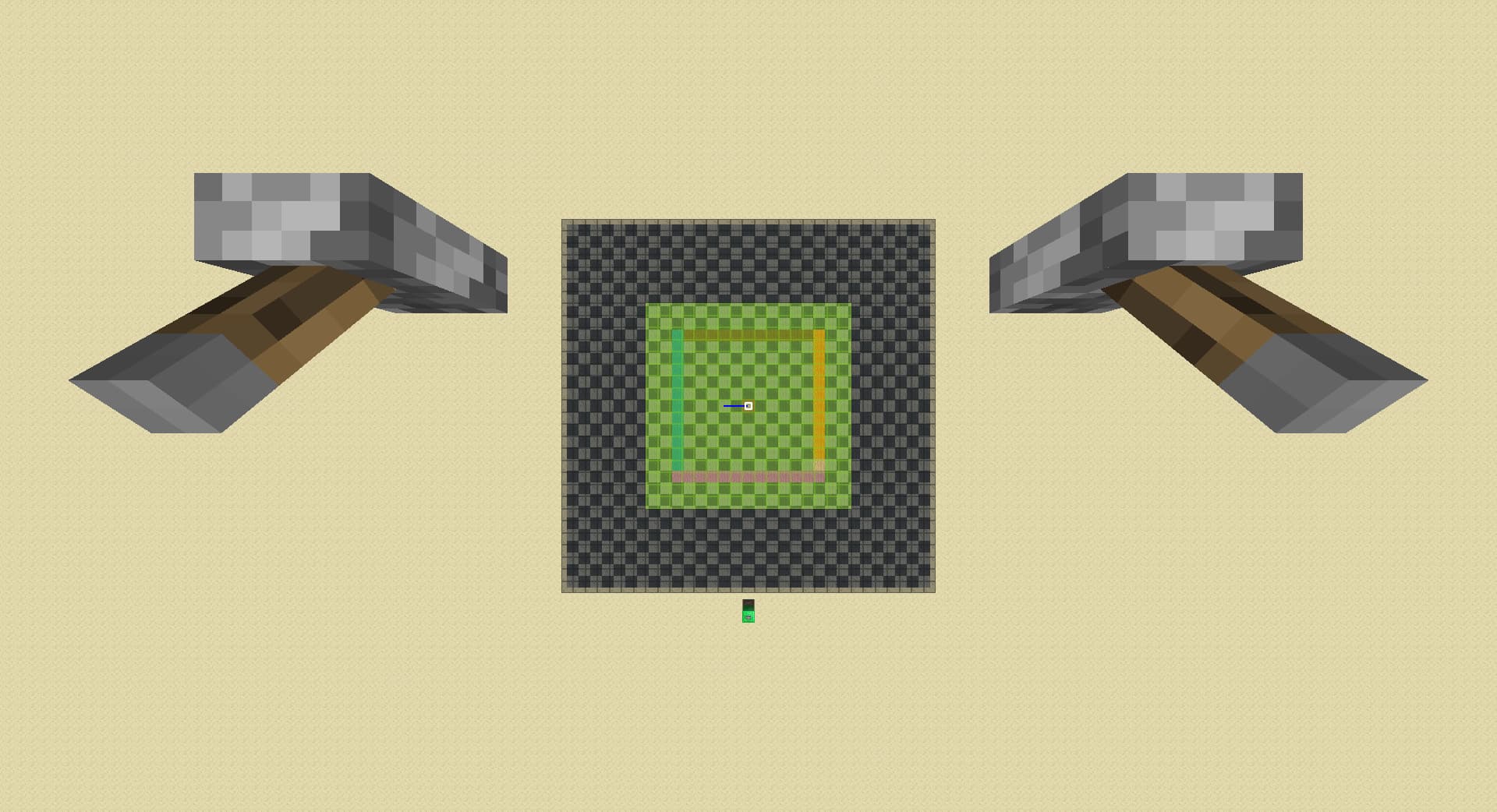
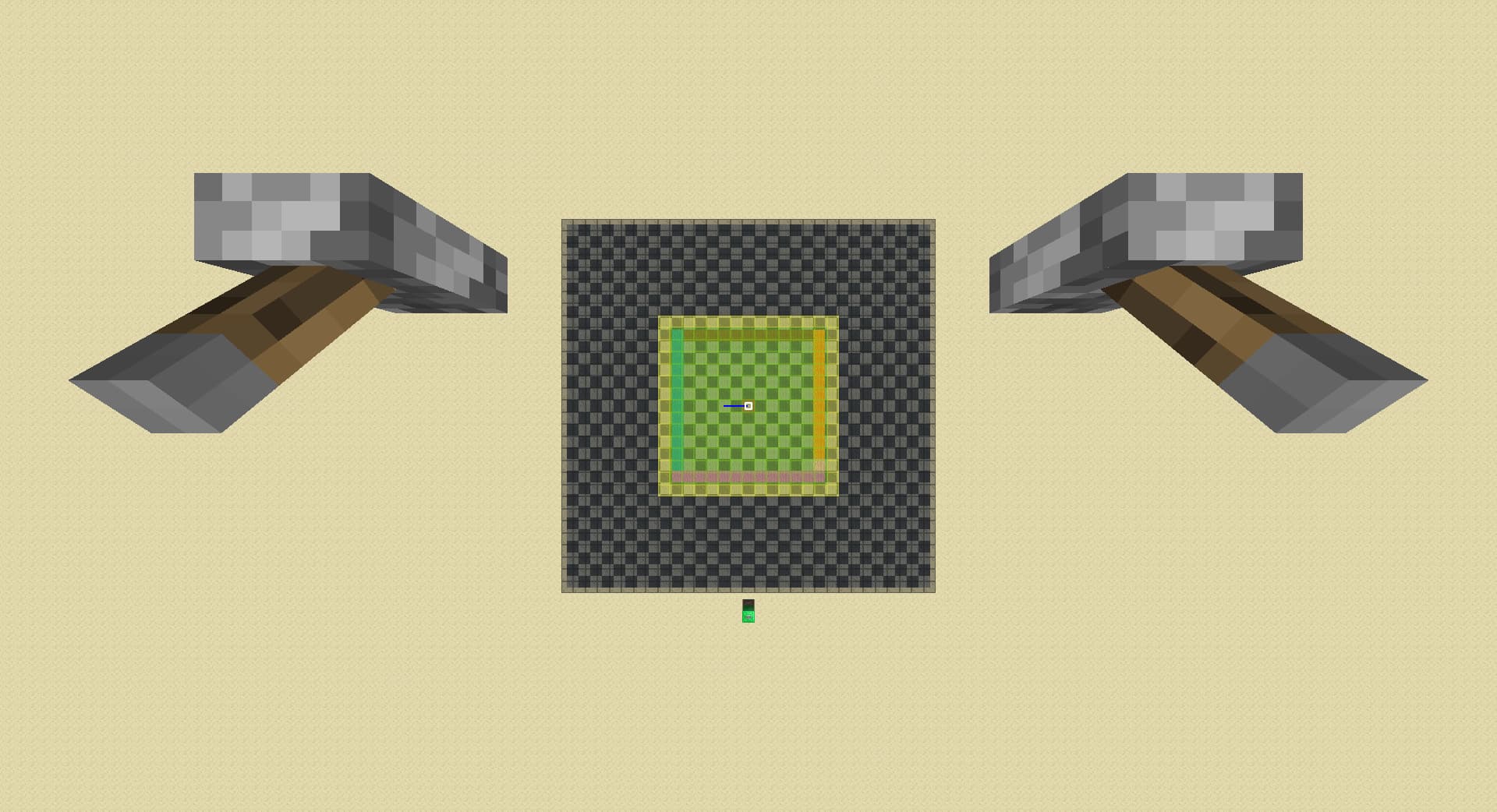
the green chunks are entity ticking and can load in spawners; yellow chunks are lazy chunks that could still potentialy have a spawner loaded; if a chunk has nothing above then its spawner is not loaded(it can be a lazy chunk).
the idea is that when a entity ticking chunk gets too far from player and get replaced by a lazy chunk green turns yellow; yellow can only spawn from green but not from air.

two gold blocks demonstrates a case of ‘far spawner’, both exists at the same time; lapis block is the ‘diagonal spawner’ case, exists without the gold block spawners

16rd at the start:
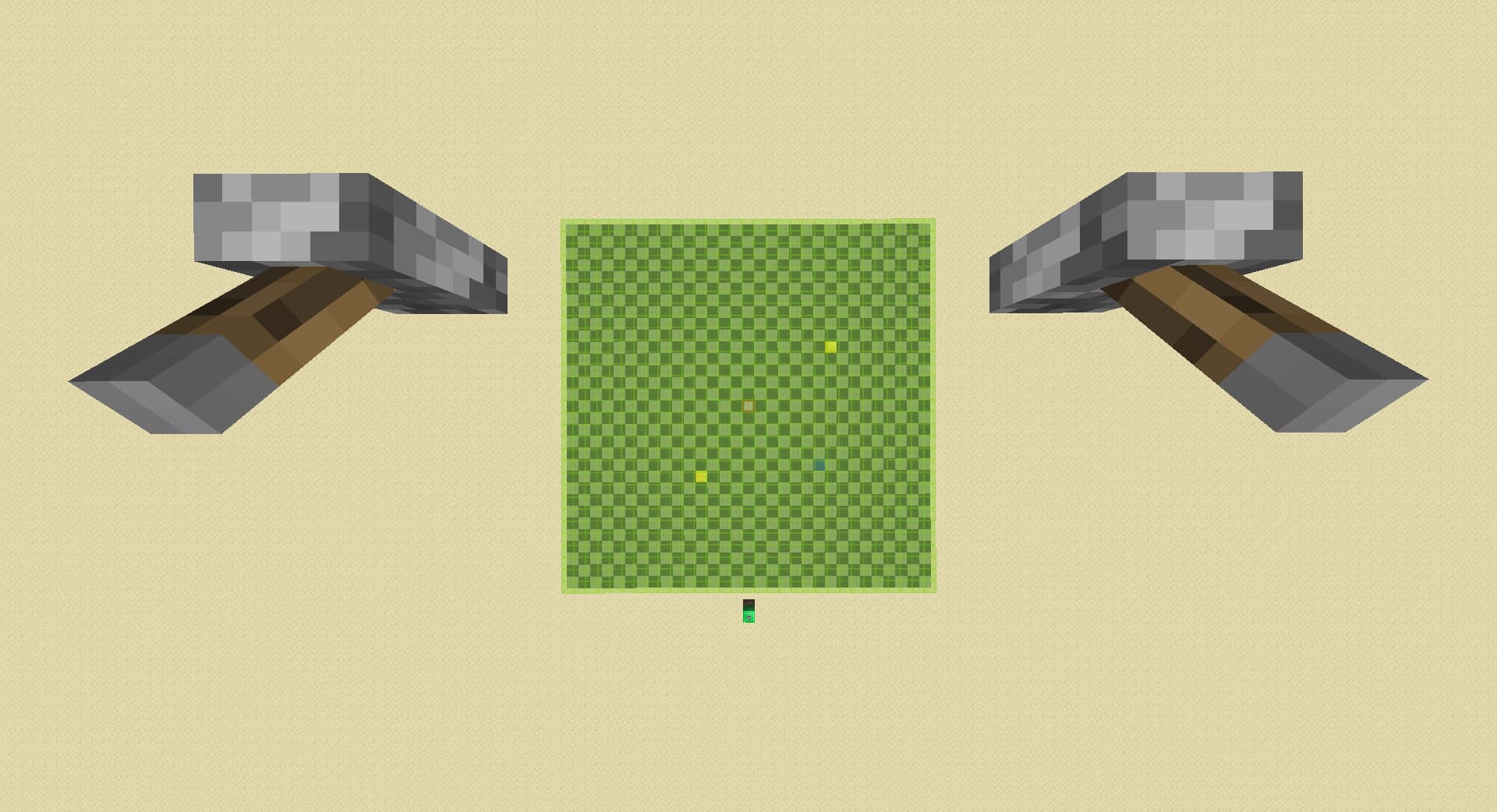
down rd till spawner goes away:
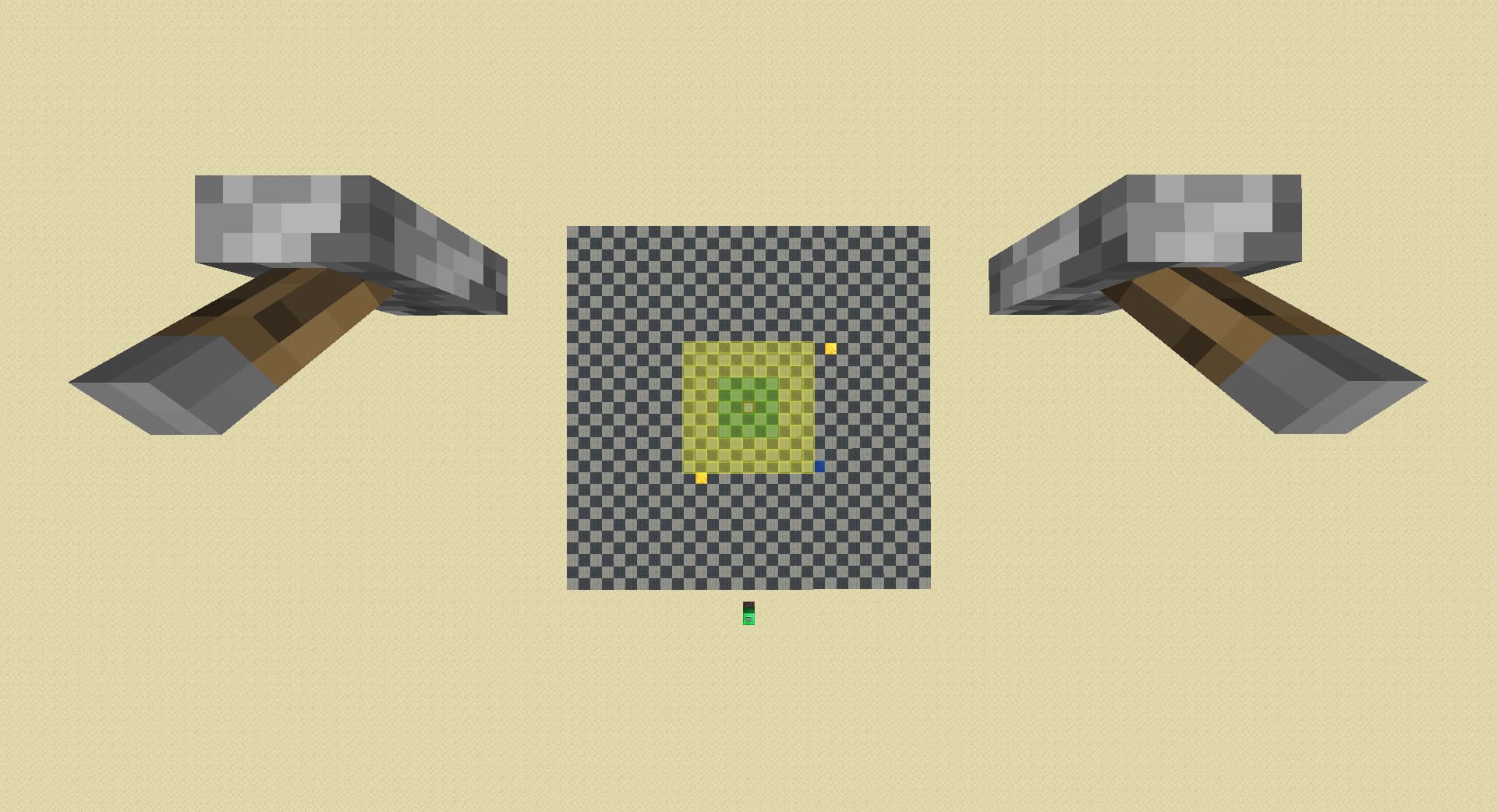
up 3:
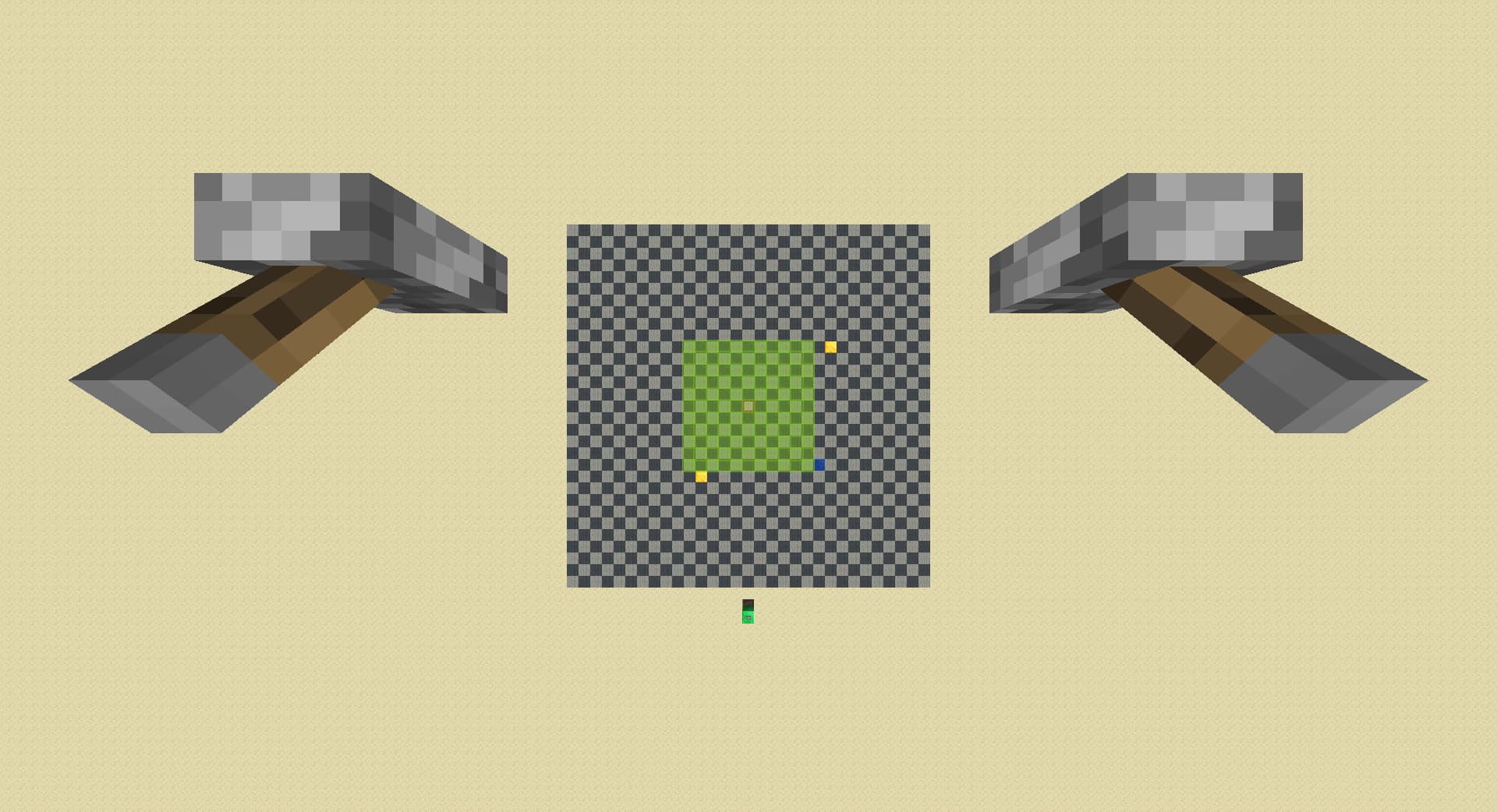
walk front 1 chunk:
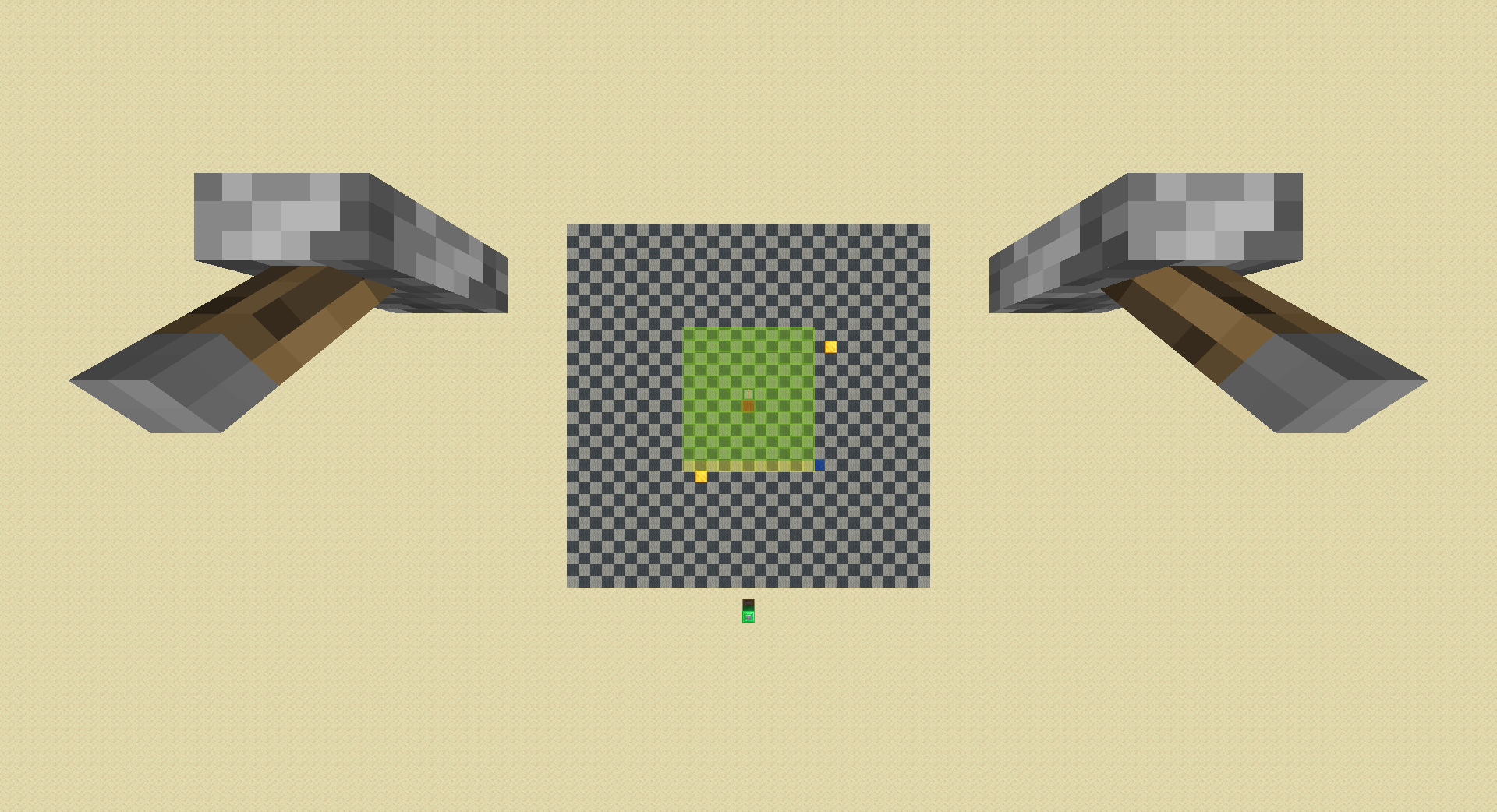
walk right 1 chunk:
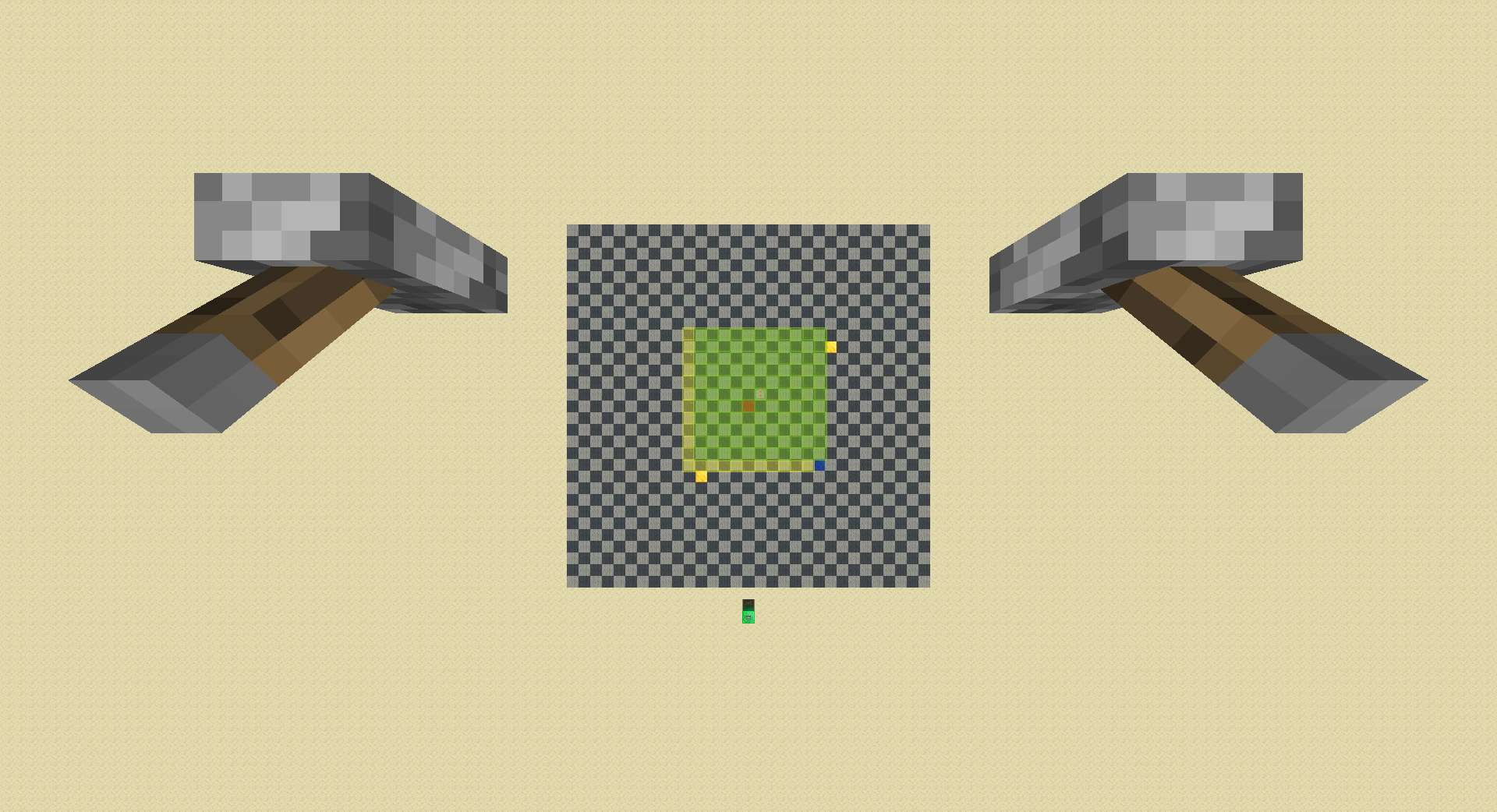
raise rd by 1, in both cases a spawner loads:
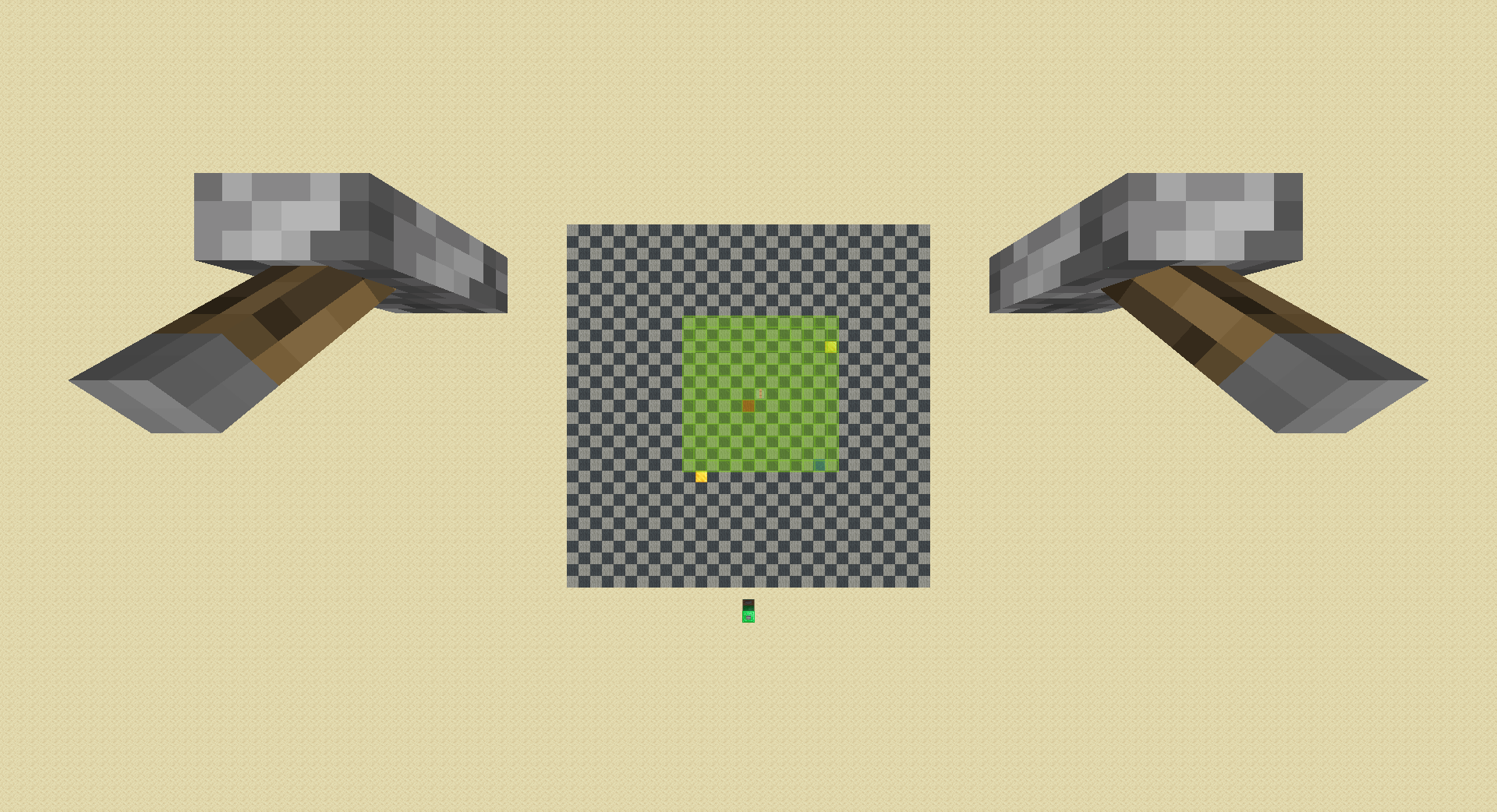
down 3:
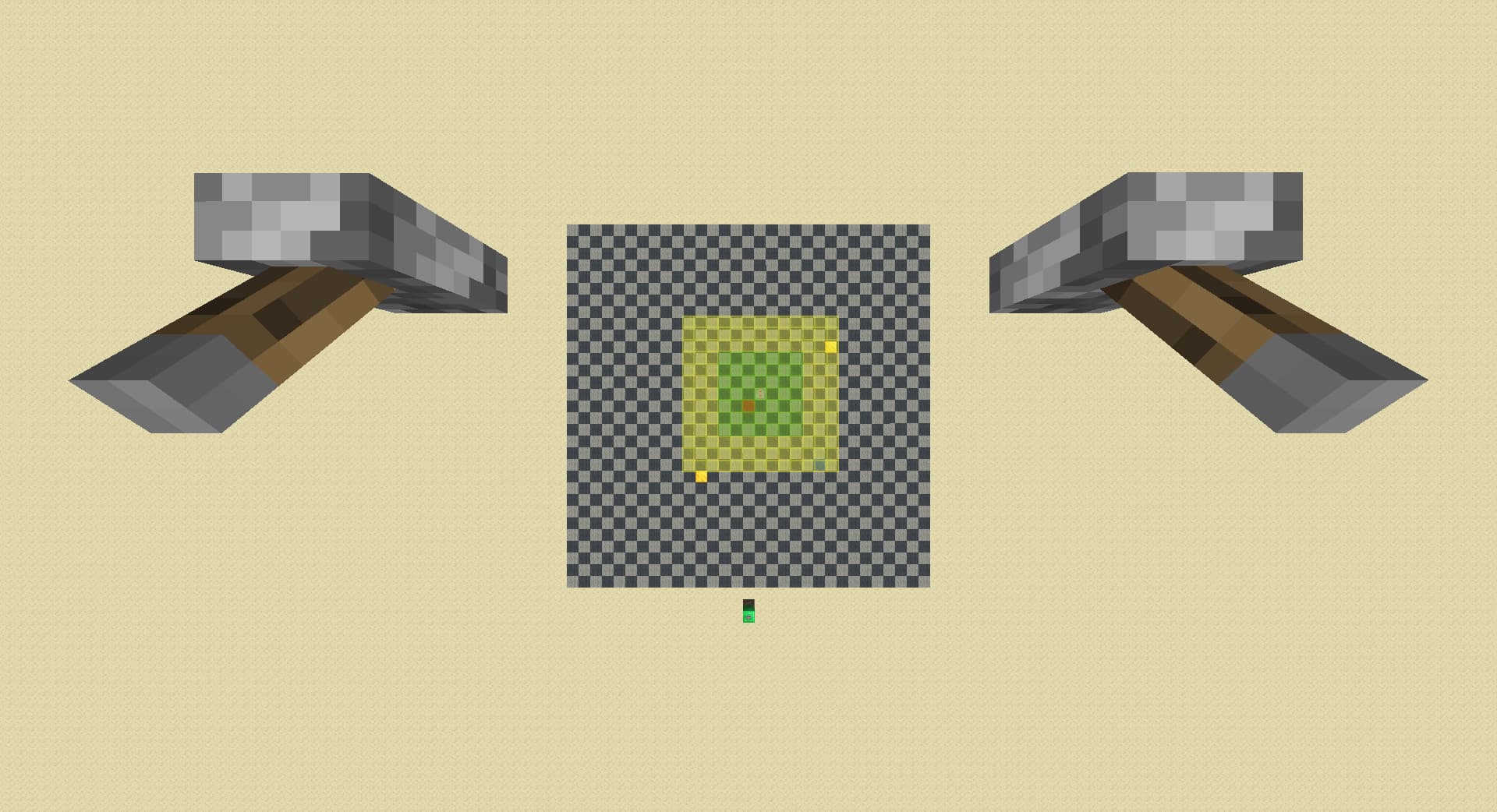
walk left 1 chunk, detects far spawner if spawner disappeared:
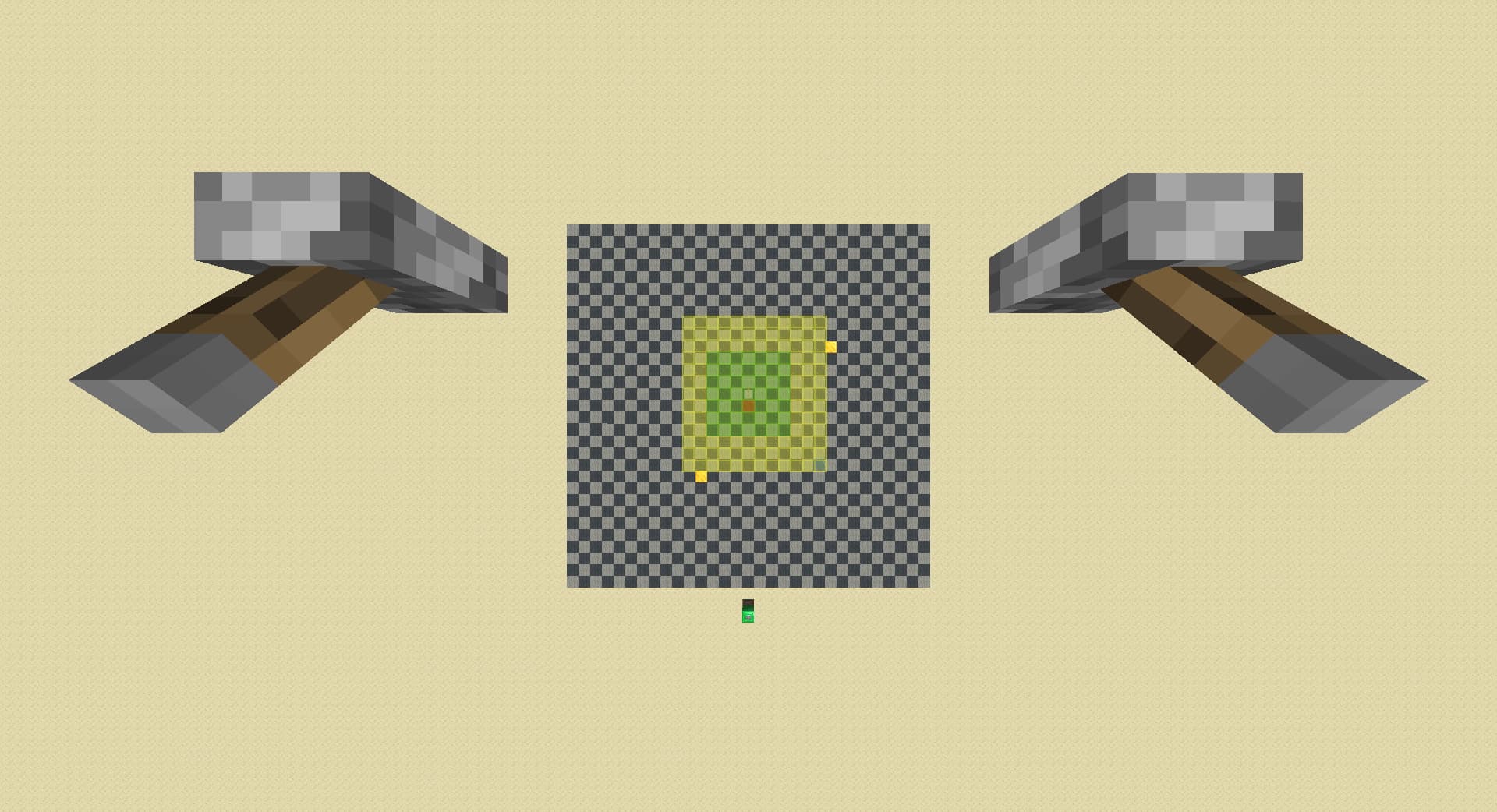
walk back 1 chunk, detects diagonal spawner if spawner is still loaded:
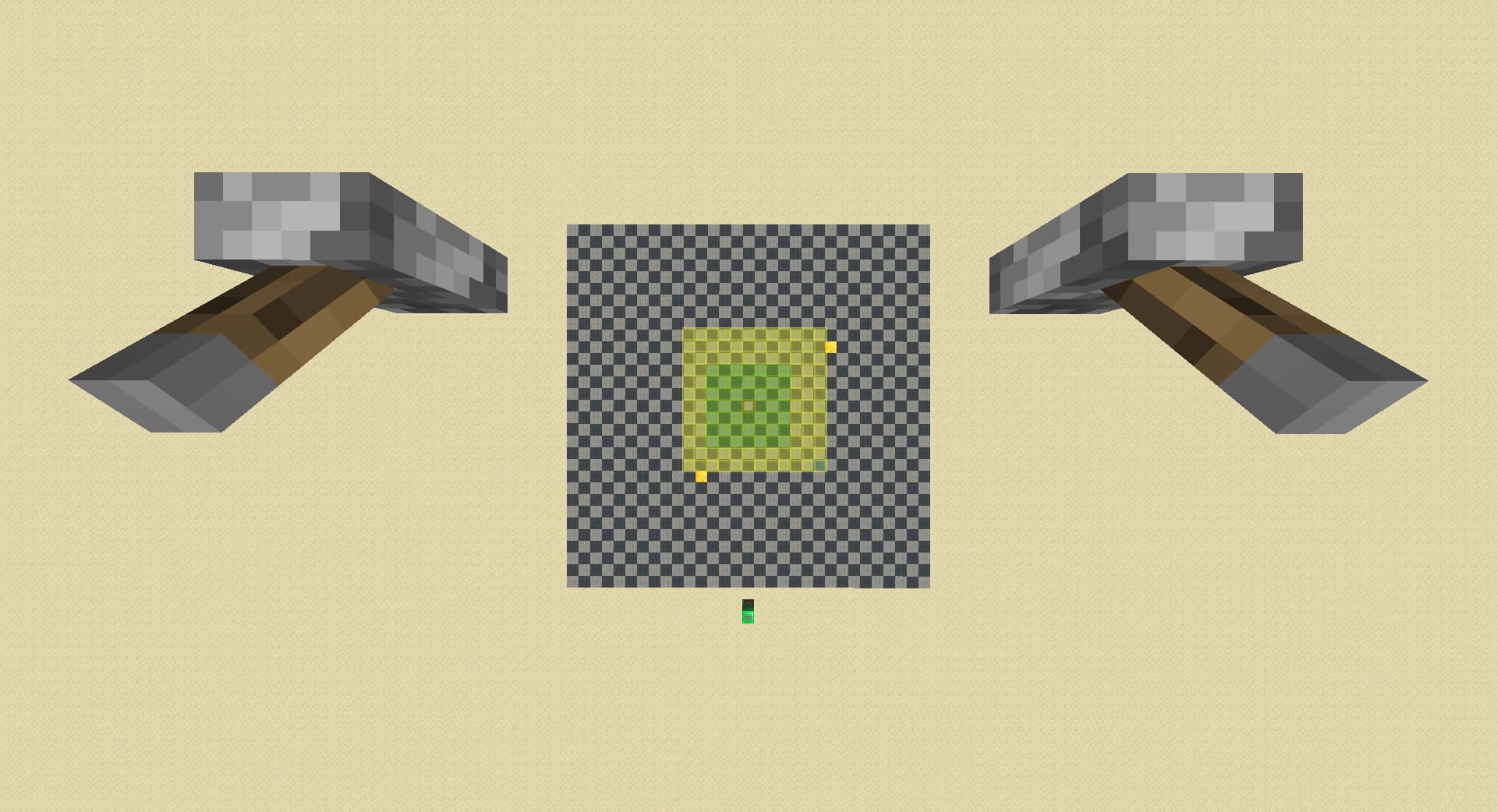
also this map perfectly covers all pie ray cases but in some niech cases it breaks. i found this because when i get a far spawner i sometimes walk towards the spawner 1 chunk to chunk count normally, and i notice that the spawner loads back in immediately even with entity ticking chunks 3 chunks away. i found no documentation of this, so i did some testing myself:
first, i walk far away and walk back and see if the border between unload and load still exist. for 1,2,3,4,8,24,36,48 chunks i walk away and come back, it still exist; i tried teleport to world border and teleport back but it is still there. i sat afk at world border for 5 minutes for autosave but it doesn’t disappear either.
next, i walk to the border chunk that make it disappear and raise rd by 1, and the spawner loads in. i walk back another chunk, spawner disappear; and raise rd by 1, the spawner loads in. i continue doing this till i reach 32 rd, and the pattern continues.
then, i walk back 2 chunks and raise rd by 2. this time it broke and i have to raise rd to normal level to load the spawner back in.
none of my assumptions on this issue explains it, and this works in both rsg and ranked instance so i think it is not related to treasure bug.
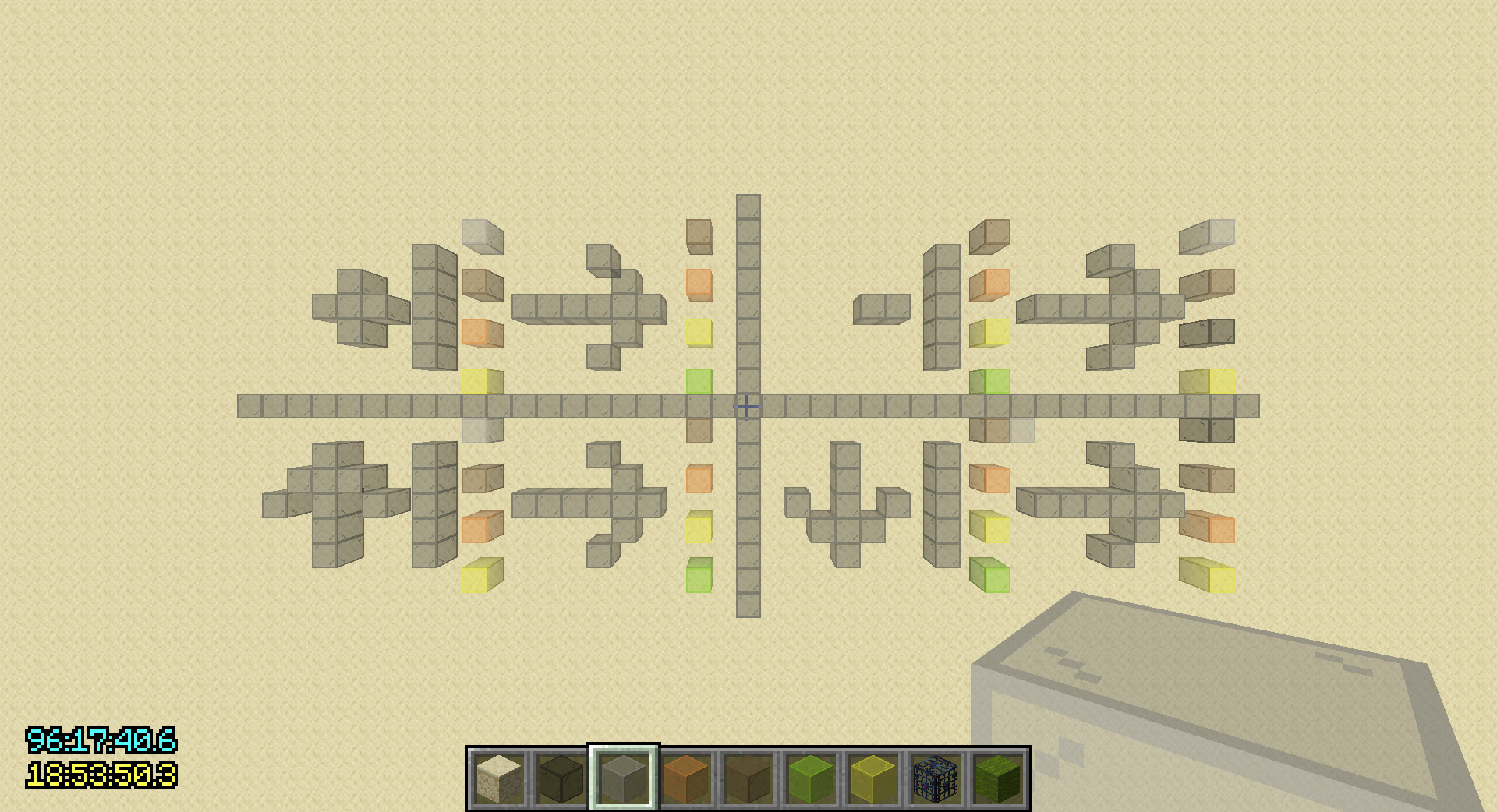
2 Likes

some follow up standardized testing and conjectures(non existant) as to the weird case i mentioned:
notations:
+x = walk x chunk(s) towards spawner, -x = walk x chunk(s) away from spawner
↑x = raise rd by x, ↓x = lower rd by x
u = unload from pie, l = load on pie, * = unpredicted behavior by traditional model, ? = behavior that made me confused (only happens after the action gets finished)

base chunk: from the spawner chunk, -7
setup: before every test, ↑ till max rd, ↓ till 8 rd (spawner is loaded atp)

↓4 [u], ↑4[l]
↓4 [u], ↑3, +1[l]
↓3, -1[u], +1[*l]
↓3, -1[u], ↑1[*l]
↓3, -1[u], -1, +1, +1[*l]
↓3, -1[u], -1, +1, ↑1[*l]
↓3, -1[u], -48, +48, +1[*l]
↓3, -1[u], ↓1, ↑1, +1[?], +3[l]

---

-2[*u], +2[l]
↓1, -1[*u], +2[l]
↓2, -1[???], -1[u], +1[*l]

the fact that both ↓1, -1 and ↓3, -1 unloads the spawner but not ↓2, -1 now makes me think that it is just a bug and when spawners load or unload is complete rng generated by mojang

1 Like
↓2, -1, ↓1[u]
-1, ↓1, +1, -1[*u]
-1, ↓1, -1, ↑1, +1, -1[*u]

I think there is something with walking away as spawner go from second ring of lazy chunks to third ring that lowering rd doesn’t have which might explain why both ↓1, -1 and ↓3, -1 unloads the spawner but not ↓2, -1.

-2[*u], +2[l] (from previous post)
↓2, -2[u], +1[*l]
↓2, -1, ↓1[u], +1
-2[*u], -1, ↓1, +1

The -2 unload seems like an even stronger level unload than ↓2, -2.

I think I might be on to something. This is my current theory:
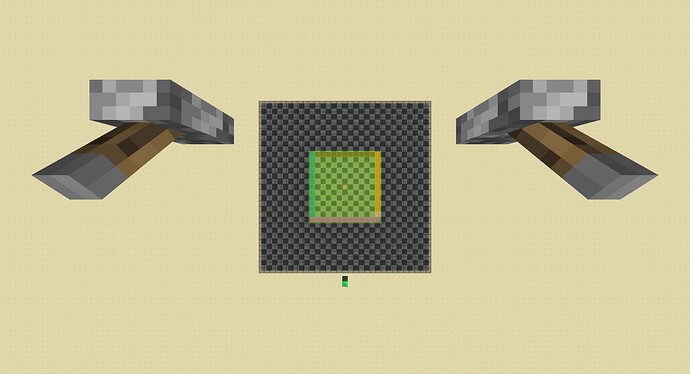
I will make a map that follows this and see if it works.
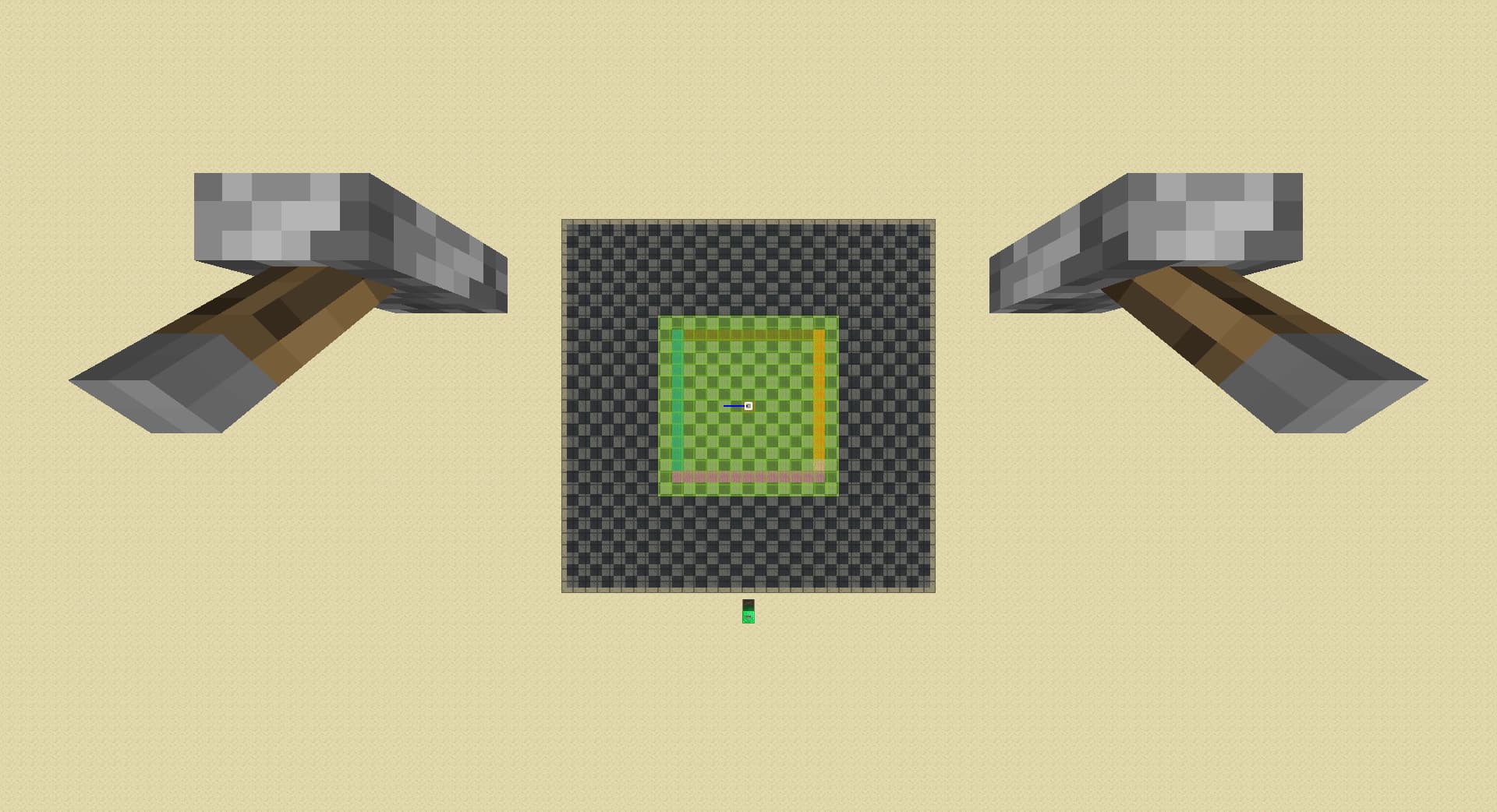
Edit: I forgot to note that in the case of -1, ↓1, +1, -1 spawner actually unloads after the final -1. Also in the case of ↓2, -1, ↓1, ↓1 unloading the spawner is expected behavior by traditional model.

1 Like

The map has been made and I am very happy to announce that it matches all the experiments I did earlier.

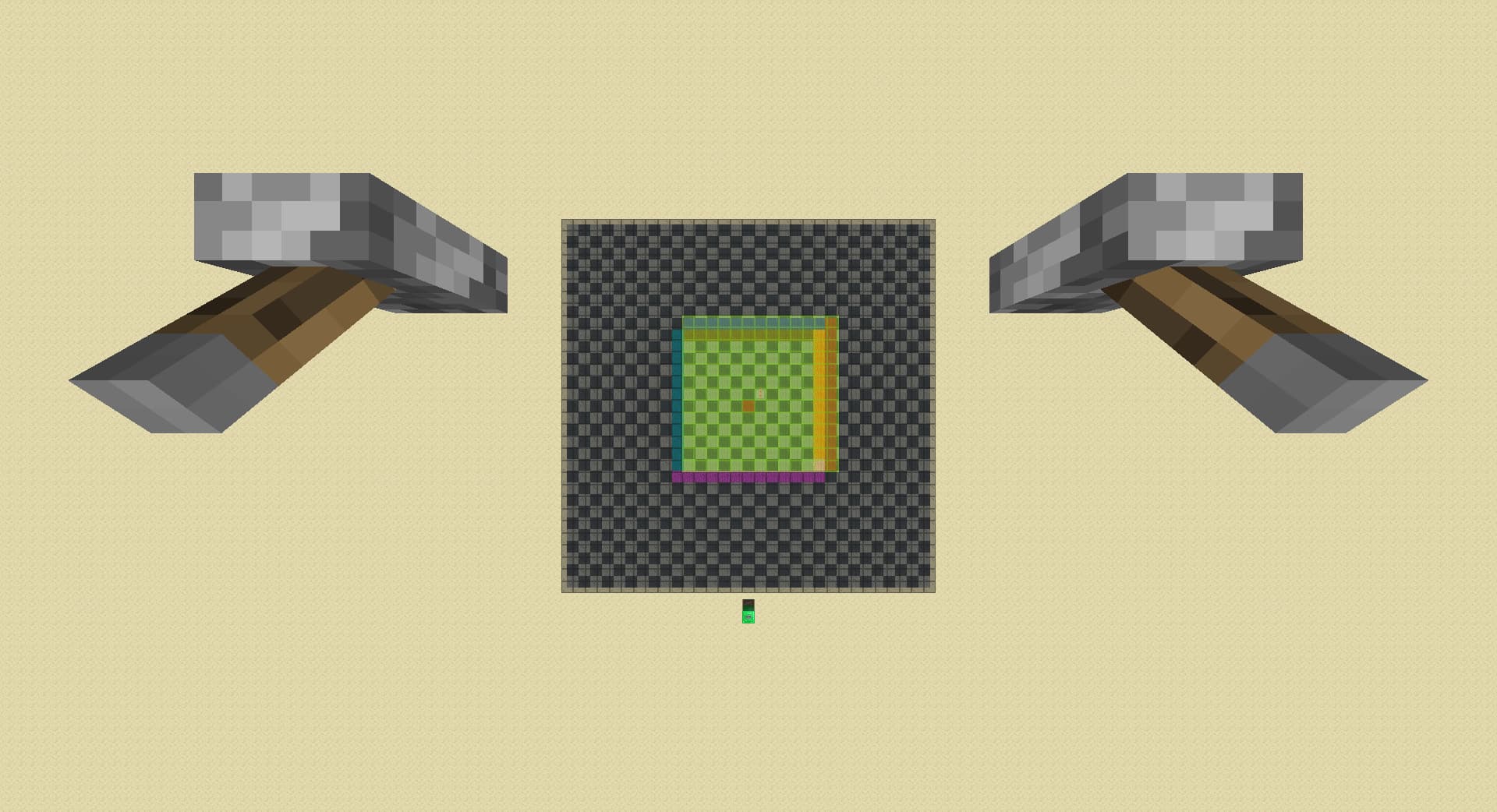
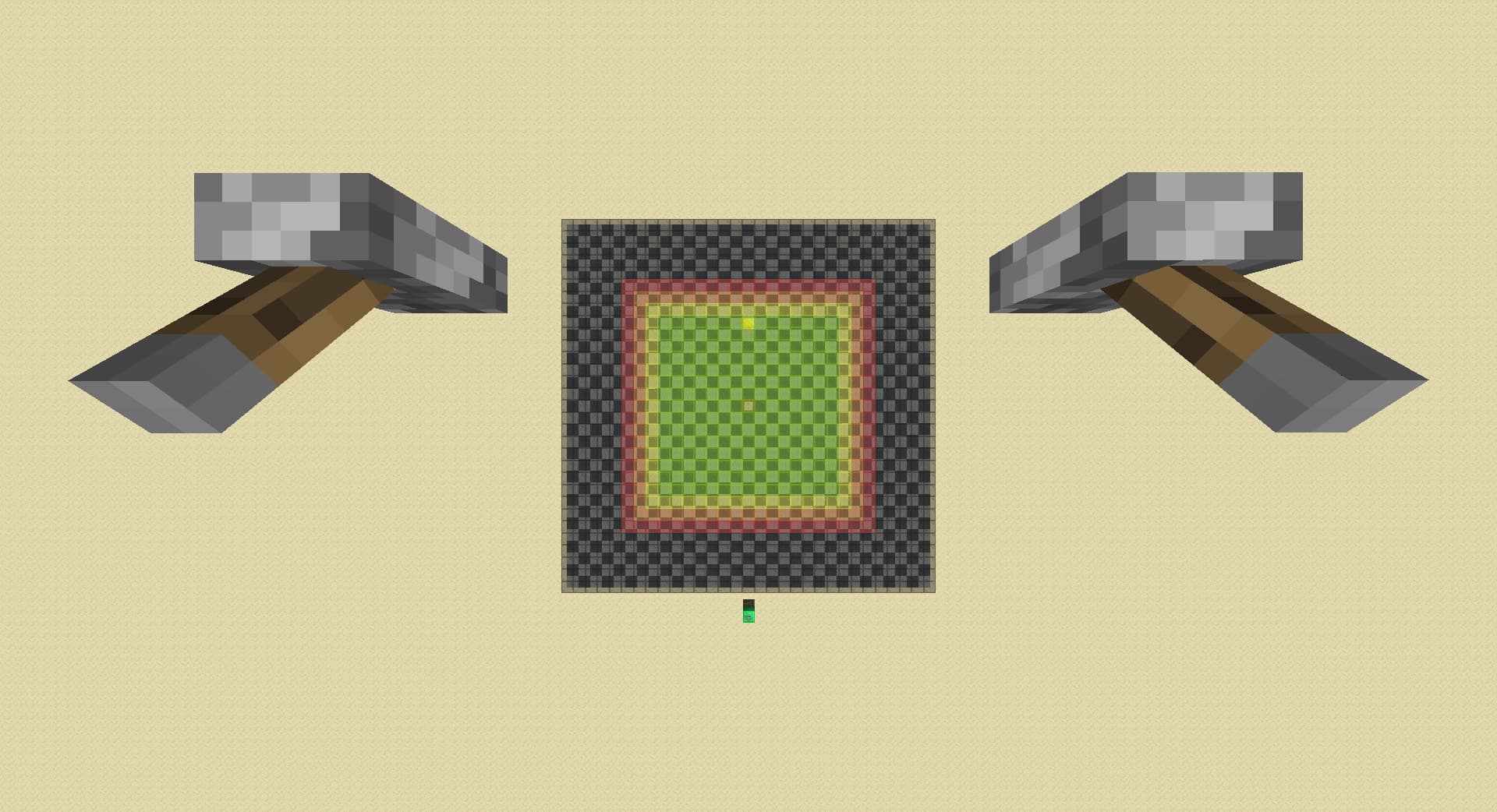
down till 8 rd from 32:


walk back 1 chunk:


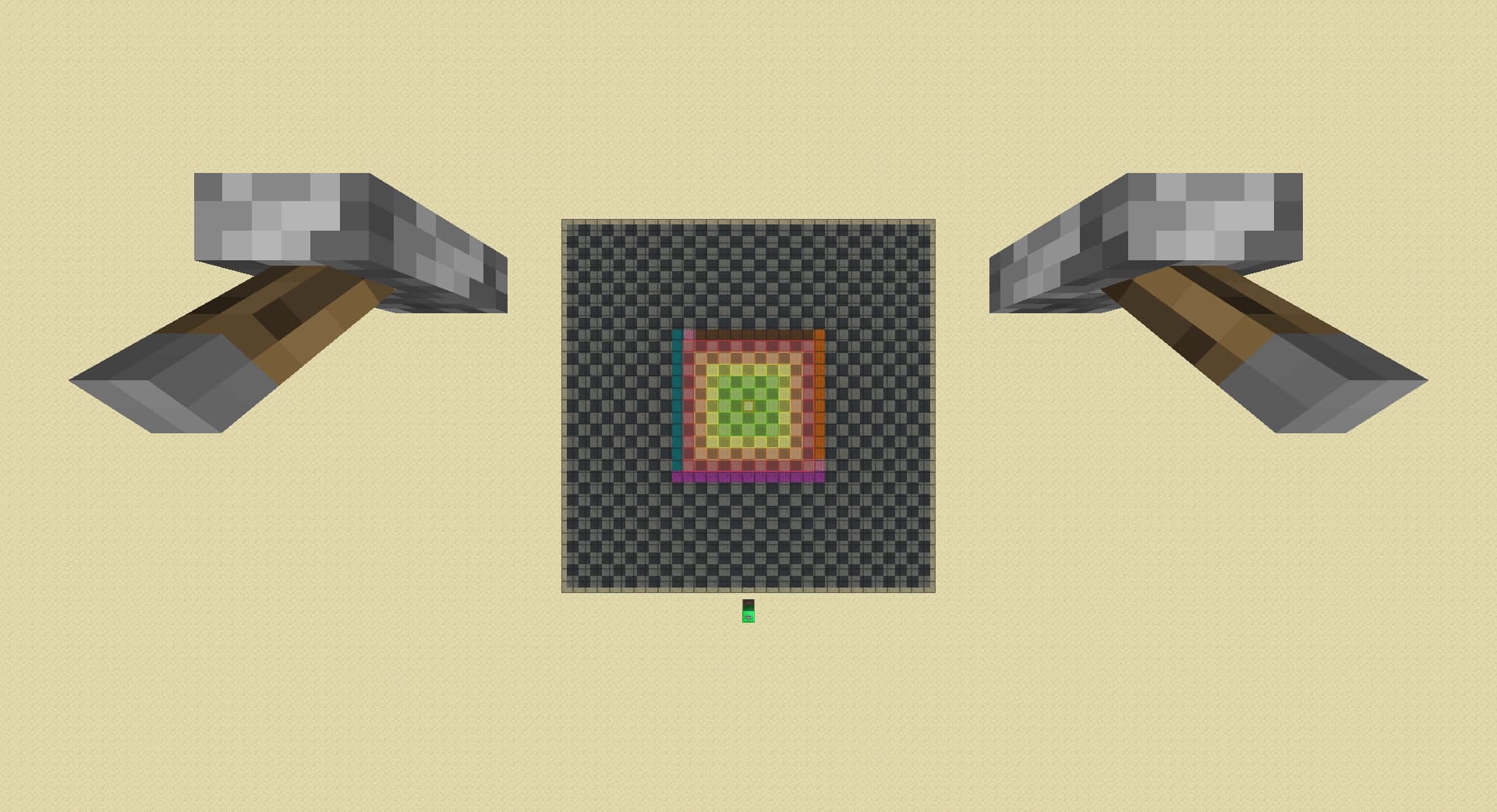
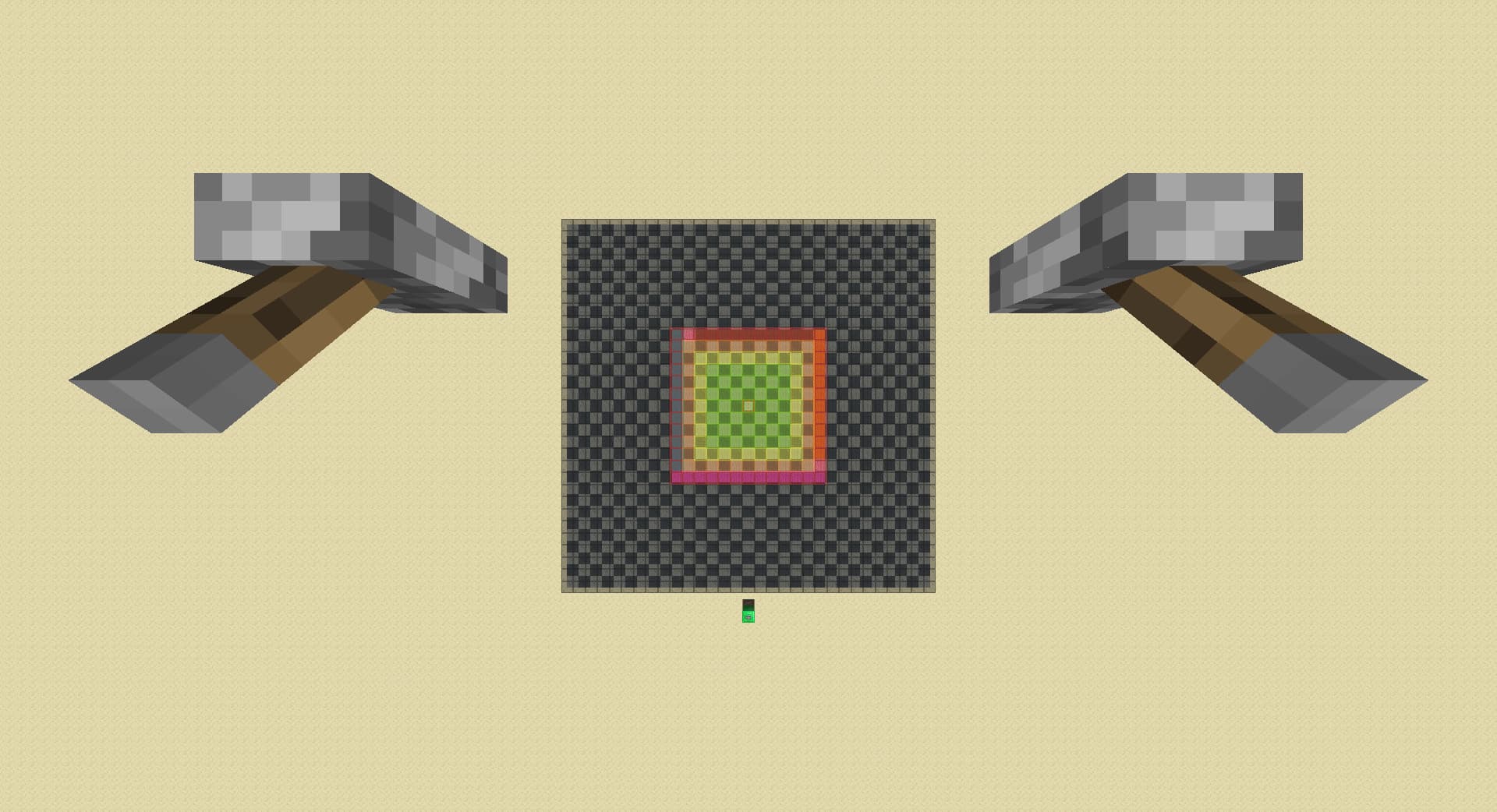
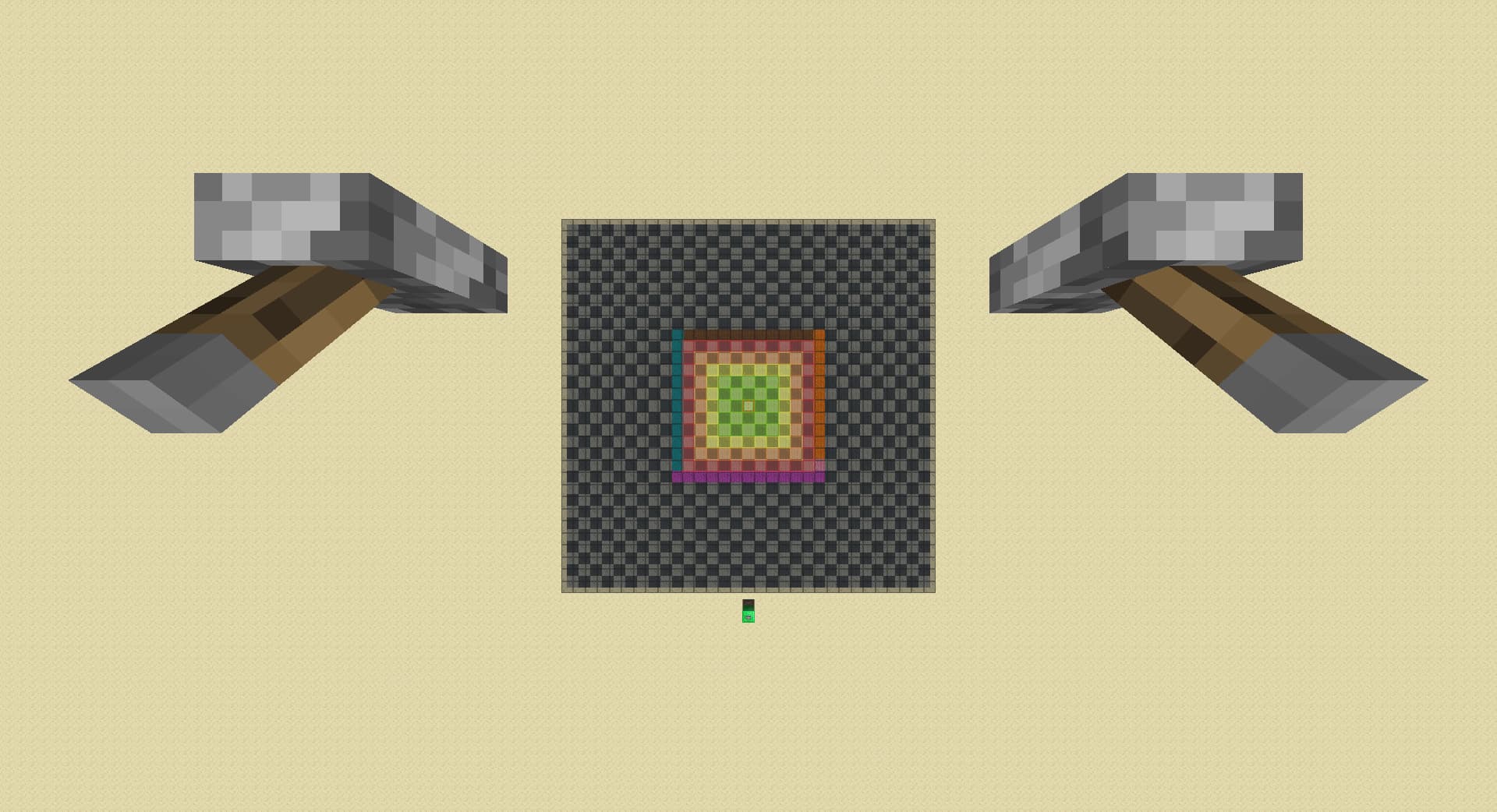
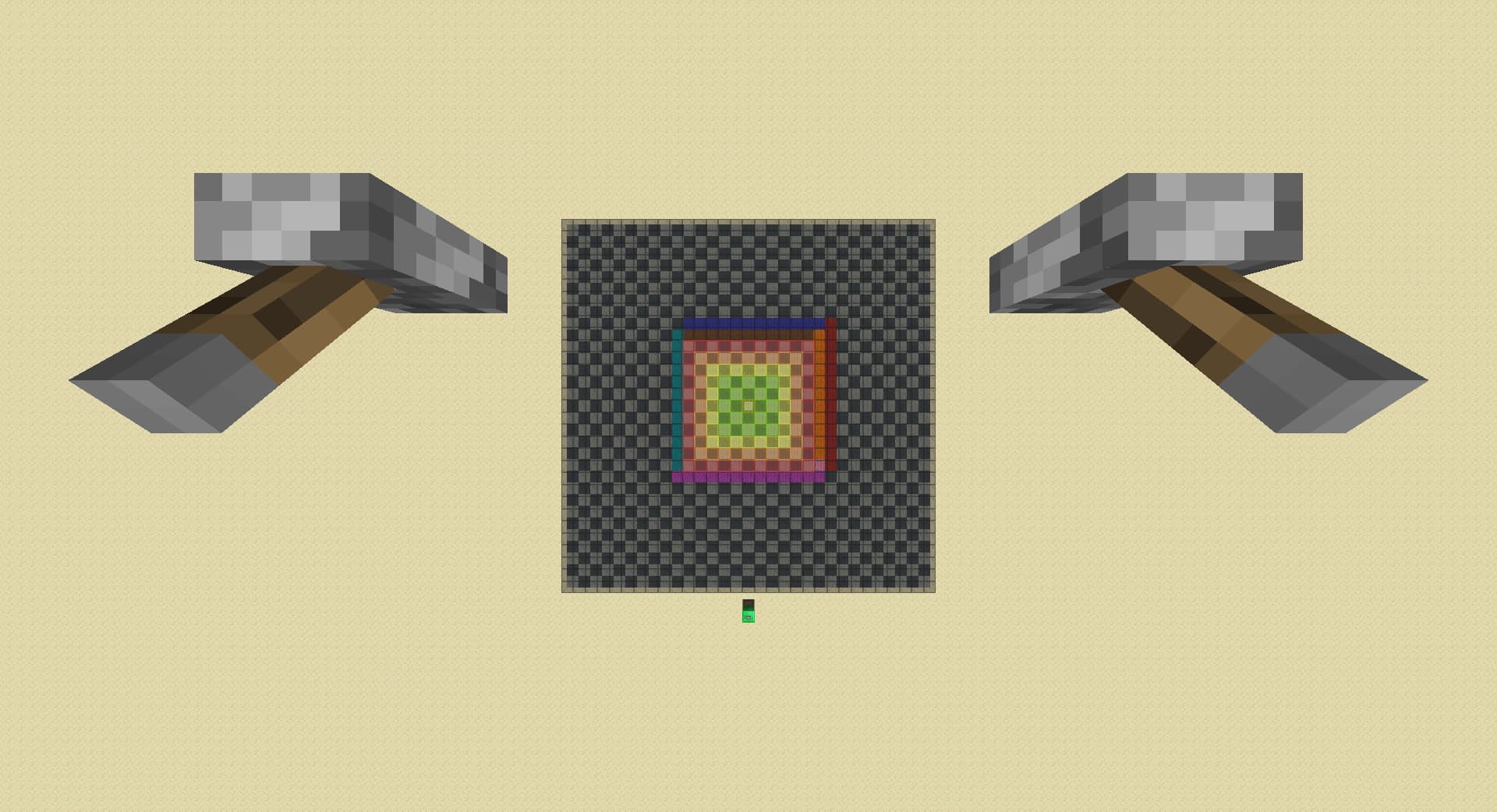
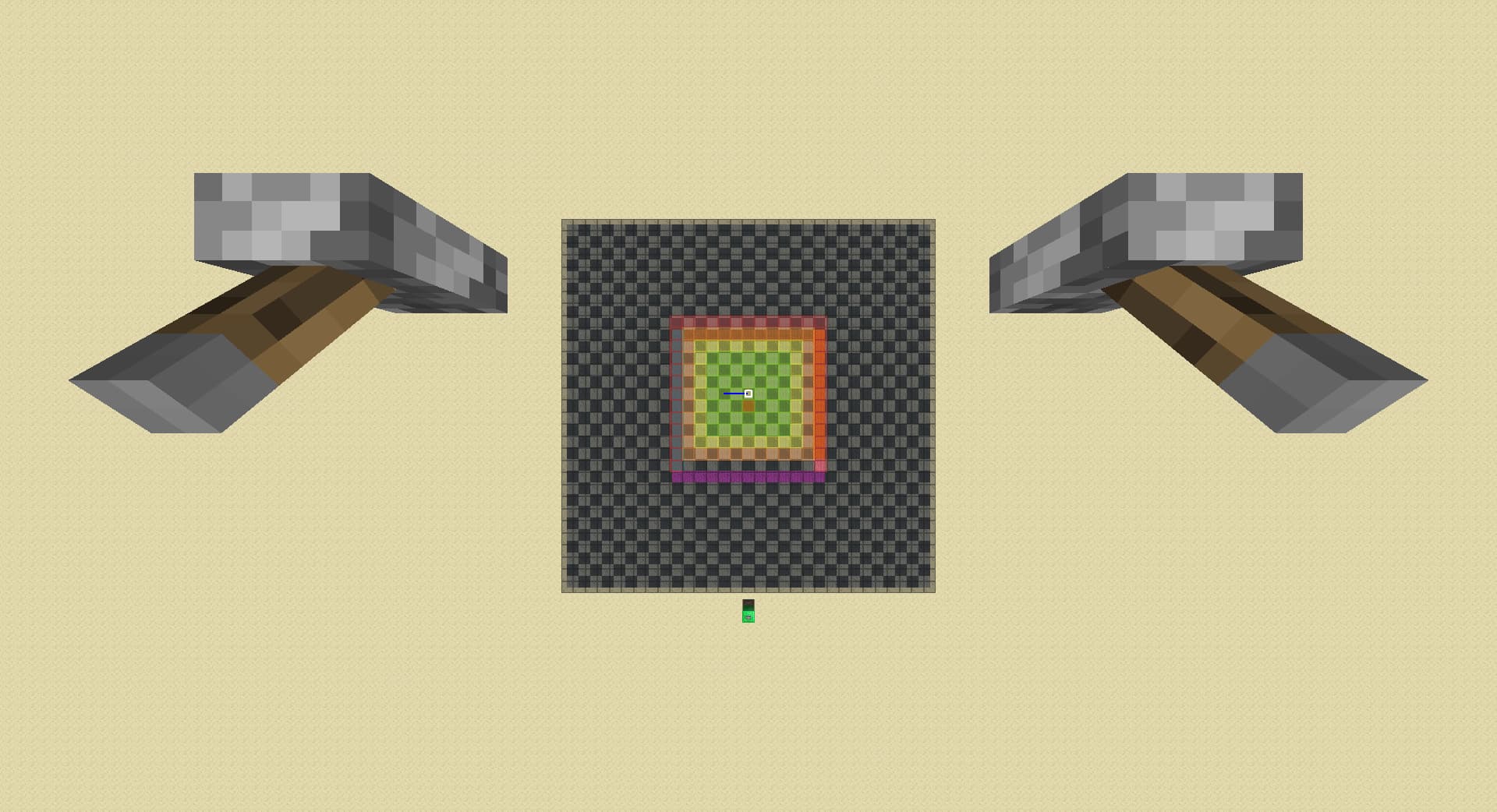
The map pretty much follows the same rules as the goofy color change photo in the previous post(I replaced brown with red because it looks ugly). Let’s name the border of green entity ticking chunks r0(lime), the chunk ring outside of r0 r1(possibly yellow), the chunk ring outside of r1 r2(possibly orange), the chunk ring outside of r2 r3(possibly red), and so on(possibly black). Just to clarify, ‘lazy’ chunks or ‘TICKING’ chunks are only the r1 chunks. Outside of the colors listed above, there are gray chunks which I will explain later.

Spawners within chunks in r0 or below(lime) are always loaded on pie. Spawners within chunks in r1,r2 and r3 may or may not be loaded on pie, and is loaded if colored yellow, orange or red with respect to the ring it is in in the map. If it is not loaded on pie, then it is colored black. Spawners in r4+ are never loaded on pie.

When the player moves and a chunk moves away from them(r0 -> r1, r1 -> r2, ...), the color of the chunks downgrades accordingly(lime->yellow, orange->brown), with two exceptions: when previously r1 chunks move to r2, its color changes to black(fully unloaded); when previously red r3 chunks move to r4, its color changes to gray(unloaded from pie, but cached).

When the player moves and a chunk moves towards them(r1->r0, r2->r1, ...), the color of the chunks upgrades accordingly(yellow -> lime, orange -> yellow, brown -> orange), with two exceptions: when previously r4 cached chunks(gray) moves to r3, its color changes to brown. When previously r4 unloaded chunks(black) moves to r3, it remains unloaded(black).

When the player lowers render distance, the color of the chunks downgrades accordingly(r0 lime -> r1 yellow, r1 yellow -> r2 orange, r2 orange -> r3 brown, r3 brown -> r4 black) with no exceptions. Cached(gray) chunks anywhere(even millions of blocks away) in r4+ also gets uncached and downgrades to unloaded(black).

Finally, when the player raises render distance, the color of the chunks upgrades accordingly, and the rules of upgrade follows the same rules when you move towards them.


This map does not explain anything any better in standard pie ray cases(and negative pie ray cases) than my original map. So is 20 hours of work just for fun? At first I thought yes, but in the middle of testing a case I suddenly realised that in the case of the fact that in the case of player moving away from the spawner, when previously r1 chunks move to r2, its color changes to black(fully unloaded) means that we can just drop rd by 1 instead of 3 in a diagonal spike case:

drop by 1, move left then back 1 chunk each:

drop by 3, move left then back 1 chunk each:

This is a whopping max 0.2 second time save in a diagonal spike case which happens only less than 10% of the time, multiping to give us a max 0.02 second improvement on average!


link to the map that is (hopefully) completely correct but also completely unnessaryly confusing for anyone learning pie ray

1 Like

I found this enhanced negative pie-ray showcase video made by CrispLake:
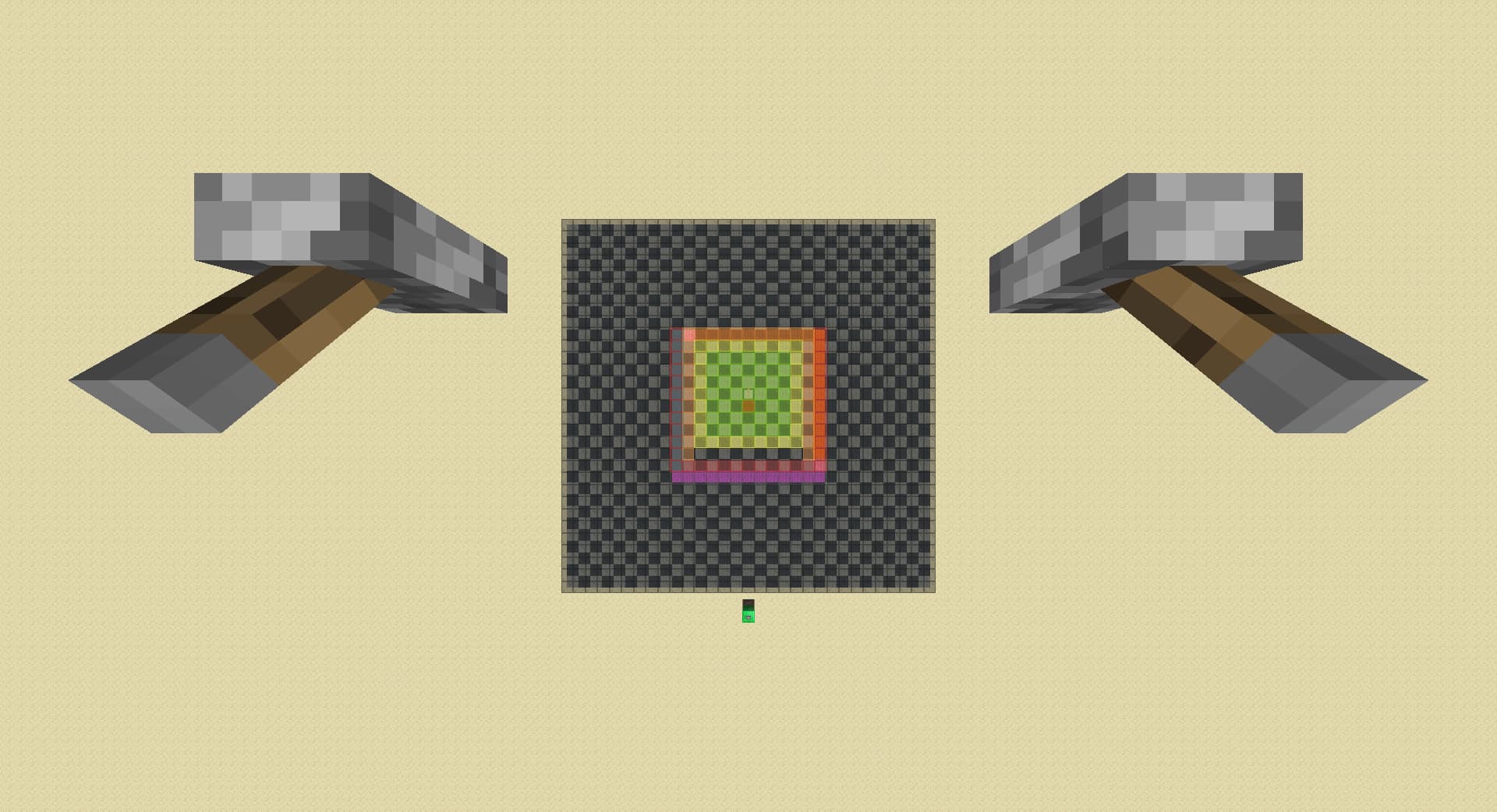
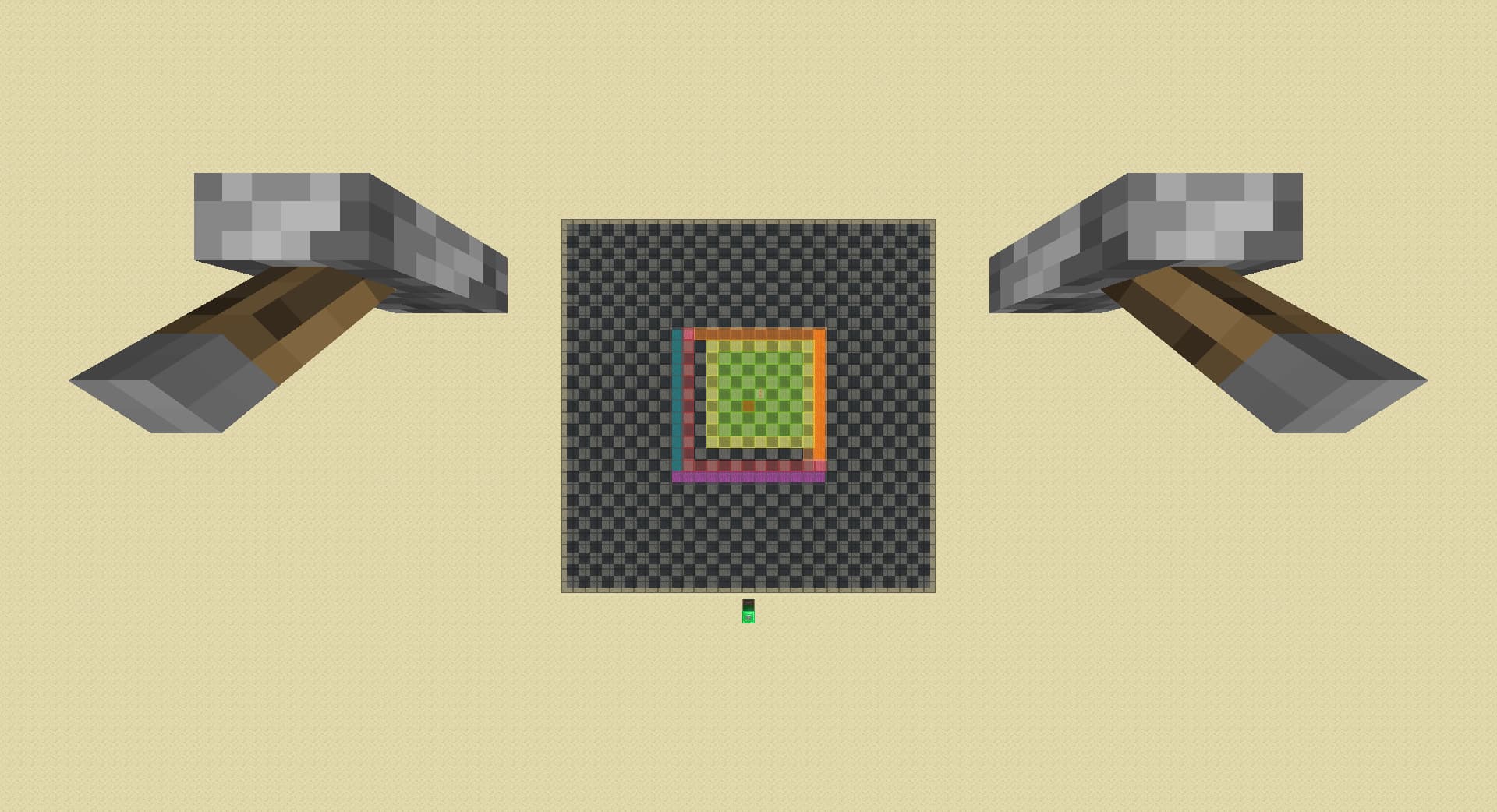
Pieray with least actions to find any spawner

lower rd to 2:

raise rd till spawner loads:

lower rd by 3:

move forward by 1 chunk, detects spawner in magenta if spawner unloads:

move right by 1 chunk, detects spawner in cyan if spawner unloads:

lower rd by 1, detects spawner in pink if spawner unloads:

move left by 1 chunk, detects spawner in orange if spawner unloads:

move back by 1 chunk, detects spawner in red if spawner unloads:

in case of a diagonal spawner in pink, raise rd by 3:

move left by 1 chunk, detects front left diagonal spawner if spawner loads, otherwise detects back right diagonal spawner:


This completely removes the problem with double spawners, but there are two diagonal spawner situations. With the discovery in the previous post, we can also modify it, so we only lower rd by 1 instead of 3:

lower rd to 2:

raise rd till spawner loads:

lower rd by 1:

move forward by 1 chunk, detects spawner in magenta if spawner unloads:

move right by 1 chunk, detects spawner in cyan if spawner unloads:

lower rd by 1:

move left by 1 chunk, detects spawner in orange if spawner unloads:

move back by 1 chunk, detects spawner in red if spawner unloads, otherwise detects diagonal spawner in pink:

This perfectly solves the issue of the double diagonal spawner, and also with a juicy 0.2 seconds saved on setting up all cases.

Some more information about the new pie-ray(which I shall now name it hyper enhanced negative pie-ray) as well as the other pie-ray methods to show why it is better in every way.


Below shows basic negative pie-ray:

  1. lower rd till spawner unloads:

  2. raise rd by 3:

  3. move forward by 1 chunk, detects spawner in brown if spawner loads:

  4. move right by 1 chunk, detects spawner in orange if spawner loads:

  5. raise rd by 1, known as ‘diagonal spike’ if spawner loads:


So why do ‘far spawner’ spikes in red and blue even exist? The answer hides in the first step:

  1. 1 rd before spawner unloads:

  2. spawner unloads:

Spawner unloads at the exact rd in step 1, meaning there are at least 1 spawner in the ring consist of brown, orange, pink, magenta and cyan, and there are no spawners inside it. But it doesn’t give any information about spawners outside of the ring, there could be a spawner anywhere outside of the ring.

When there happens to be at least 1 spawner in the red and blue chunks, raising rd in step 5 will load it in, and it is not the spawner that you originally unload.


The hyper enhanced negative pie-ray is already shown in the previous post.

  1. spawner loads:

Similarly, no information shows if there is any spawner outside of the ring. But notice that in the entire process of it, you never load any chunk outside at all.

The hyper enhanced negative pie-ray compared to the basic negative pie-ray, removes confusing and time consuming far spawner situations, takes less time to setup(lowering rd till spawner unload, then raise by 3 → 2rd, raise rd till spawner loads, then drop by 1)(checking unload when lowering rd requires player to refresh pie more frequently), is easy to switch to(you can tell comparing both showcase in the map that the colors to show which chunk belongs to which case didn’t change), so I think it is safe to say that it is better in every way.

1 Like

My guess on why mojang make block entities in chunks to load and unload like this, I think it might be helpful to understand it:

When the player plays normally, they don’t change their render distances.

a player joins world on 8 rd:

move forward 1 chunk:

move right 1 chunk:

move forward 1 chunk again:

There are only 1 ring of yellow lazy chunk, in case the player walk back to the exact chunk border they just crossed immediately.

raise rd by 1:

When the player raises render distance, only the chunks that will be immediately used loads in.

lower rd by 1 from 8:

lower rd by 1 again:

lower rd by 1 again:

lower rd by 1 again:

My best guess is that when the player is moving, they are very likely to keep moving in the same direction, so it is ok to just unload chunks 2 away from green; but when the player lowers render distance, the game have no idea where the player wants to go and therefore unload chunks when they are much further at 4 away from green because loading in chunks costs a lot.

move forward 1 chunk after lowering rd by 3 on 8:

I can only assume that the game did not properly handle situations when the player move after lowering rd, it only handled the unload of the second ring(yellow -> orange), but not the rings outside. These rings’ load level then are misinterpreted by something else in the code, which I suspect is world generation thinking the player walked away in the middle of generation of something, so the game doesn’t discard it after the player leave the range, but instead puts it in cache. This cache will get reloaded immediately when the player walks back in range, and nothing including autosave clears it in the memory.

lower rd by 1:

Only when the player lowers rd, the game thinks the player might be experiencing lag and clears it out from cache.

1 Like

i did some quick tests to see if it is actually faster and if yes by how much, and to my surprise the basic pie ray is ~0.2s faster on average in the case of a 13 chunk(roughly cuts all spawners in half) diagonal spawner. i did come up with a couple micro improvements over the new pie ray which the basic one couldn’t benefit from:

  • instead of going all the way down to 2 rd without checking, go down to ~9 rd and check if spawner is unloaded.
  • after the spawner is unloaded, the first 3 rd raised cannot load in spawner so can be spammed.
  • faster key repeat can speed up the process of dropping rd.

i burnt out doing more testing though

1 Like

map v2.0.1

Spent couple minutes to improve the ui design, placed marks around the map at corrisponding chunks for verifying cases. Note that in all pie ray cases shown above, you have to stand in the chunk with the levers, face towards the render distance levers, walk explicitly front then right, then left then back, doing anything wrong will result in inconsistency. The link in the top post is updated.

Also sorry for the confusion throughout the thread, it was more meant to be some experiment record rather than a proper tutorial, which it kind of has to be the way it is as all the rediscovery and inventions were made as the thread was going.

I can see how scrolling through 20 screenshots of cases to read instructions between them would be annoying, and a video would just be a way better method to present it, sooooo at this point I’m just shamelessly hoping someone to do it for me so I can go back to retirement home

3 Likes